30
Operating
1. Push on the desired nozzle, ZChapter 2.3, "Using other
nozzles (accessories)".
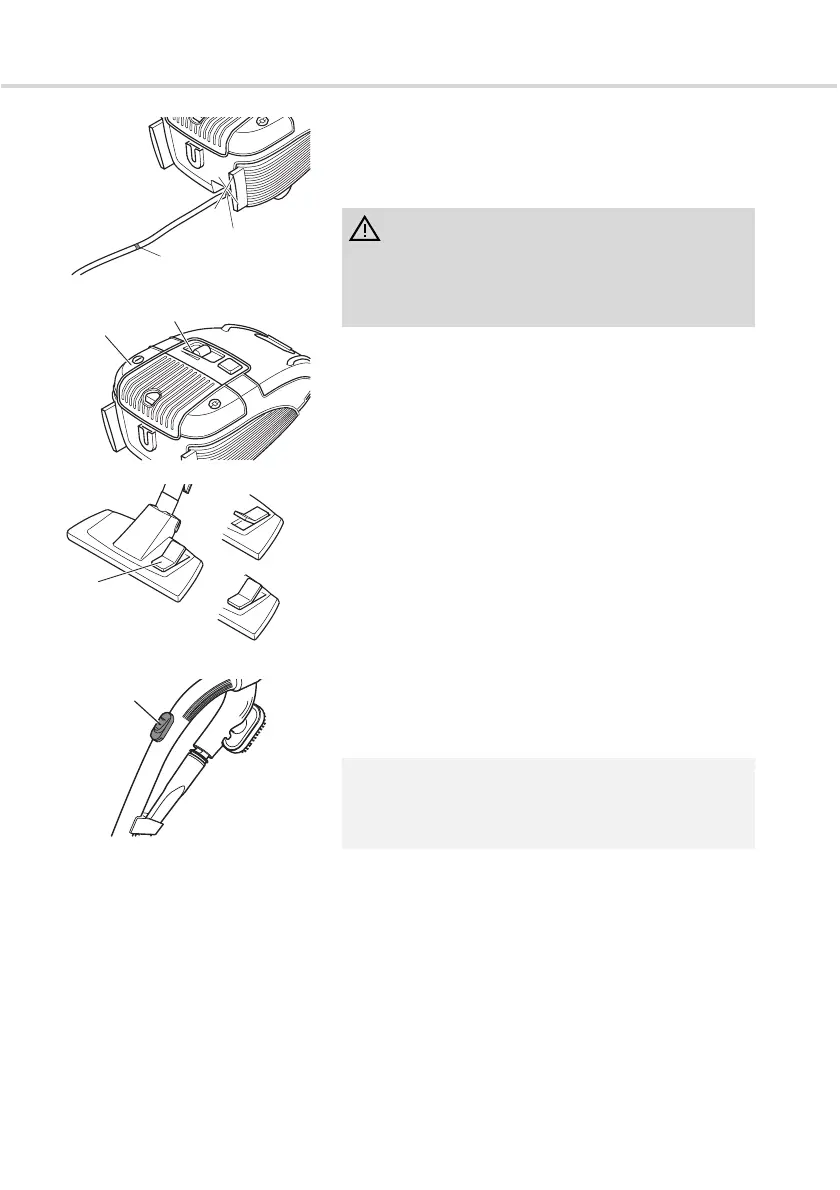
2. Pull the cable holding the plug (Fig. 1/15) until the
yellow mark (Fig. 10/1) is reached.
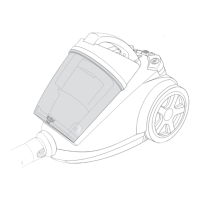
3. Switch on the cylinder vacuum cleaner using the on/off
switch (Fig. 11/1).
4. Turn on the suction using the suction controller (Fig. 11/
2).
5. Adjust the carpet/hard floor switch (Fig. 12/1)
depending on the type of flooring:
- Hard floor (Fig. 12/a)
Laminate flooring, tiles, PVC flooring, etc.
- Carpet (Fig. 12/b)
Long and short fibre carpets, runners, etc.
6. To vacuum, pull the cylinder vacuum cleaner behind
you like a sledge. When vacuuming, observe the
corresponding recommendations of the flooring
manufacturer.
WARNING:
If the red mark (Fig. 10/2) is visible, then retract the cable
again until it is no longer visible, ZChapter 3.2,
"Switching off and retracting the power cable". Otherwise
the cable can break off. There is a risk of electric shock.
NOTE:
You can quickly reduce the suction power with the
secondary air controller (Fig. 13/1) , e.g. to release
curtains that have been sucked in.
Fig. 10
2
1
Fig. 11
1
2
Fig. 12
1
a
b
Fig. 13
1




 To Next Page