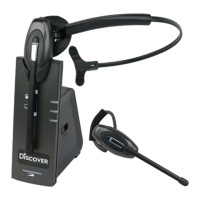
Adapt 30 Cartridge Module for USB Connection
• Softphone interoperability through USB/computer with 3CX, Avaya One-X,
Cisco Jabber, Counter Path and Skype with assistance from the JPL Gateway.
• JPL Gateway software must be installed and running for
remote call control functions to work with supported softphones.
https://www.jpltele.com/support/jpl-gateway/
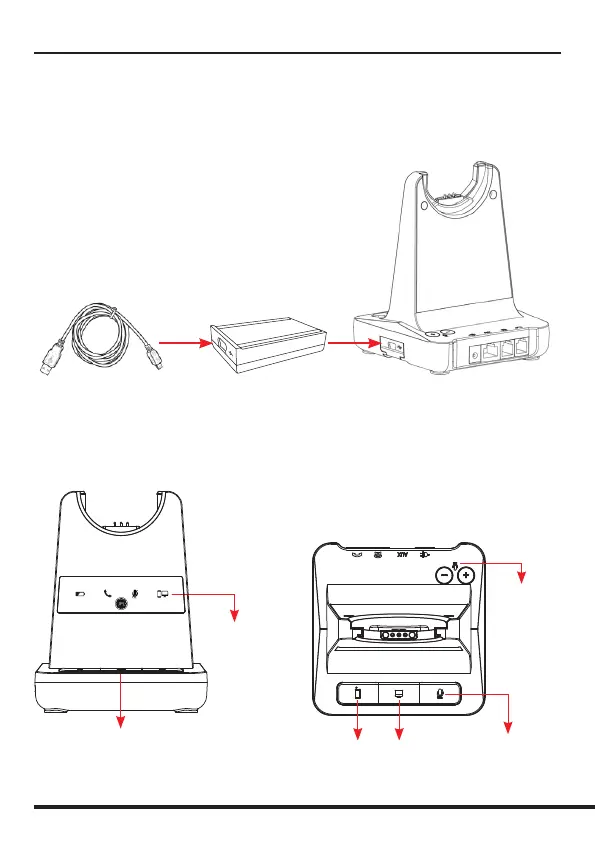
PC/Bluetooth
Indicator
PC/TEL
Selection
• After inserting the cartridge, connect the power and then connect the USB cable.
• To make a USB call, press the “PC/TEL’ button.
• When you press the “PC/TEL” button, the “PC/TEL” LED will ash on and o.
USB Cable
Type-A to Mini-B
Bluetooth
Pairing Button
PC/TEL
Selection
Microphone
Mute Button
Microphone
Volume
USB Cartridge Module


 To Next Page