Operating Instructions
Pairing a headset to the base unit:
1) Take the headset o the base unit
2) Make sure there is no power to the base unit
3) Place the headset on the base unit
4) Plug in the power cord to the base unit and the ‘GREEN’ TEL light will ash.
Now the base station is in pairing mode
5) Press the ‘mute button’ on the headset for 2-3 seconds until the
‘BLUE’ indicator light on the headset starts to ash (indicating
pairing mode)
6) During pairing, the base station’s ‘GREEN’ light will ash and the ‘BLUE’ light on the headset
will ash
7) When pairing has successfully completed, there is a conrmation beep tone on the
headset’s earpiece speaker. Then both lights will stop ashing.
Pairing a second headset to a base station:
1) One headset should already be paired to this base unit, if so it needs to be turned o
2) To turn the headset o, rstly take it o the base unit and press the call accept/reject
button to deactivate the green phone light on the base unit
3) Hold the call accept/reject button for 3 seconds, you should hear a short beep and then a
longer beep signifying the rst headset is o
4) Follow the steps in ‘Pairing a headset to a base unit’ above to connect the second headset
5) Once the second headset is connected turn the rst headset back on with a short press to
the call accept/reject button
6) Test the headsets by calling the phone system connected to the base unit and each headset
should ring.
Please note: Pairing two headsets to one base unit allows each headset to answer the
incoming call, (a maximum of ve headsets can be paired to one base unit) however, only the
person (the rst to answer the call) will be able to hear and interact with the caller.
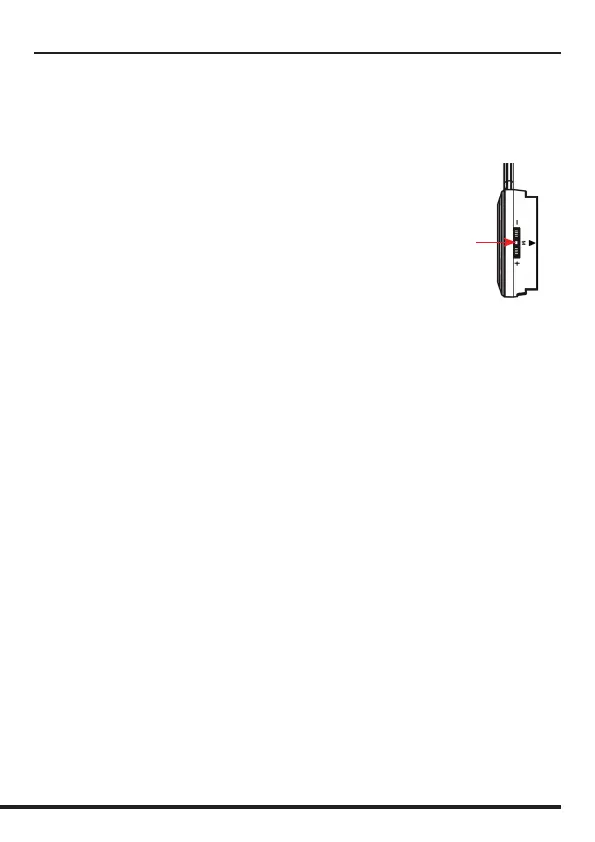
Mute
Please note: Your Adapt 30 is supplied paired to the base unit straight out of the box.
However, if after charging the headset, the ‘GREEN’ TEL light doesn’t activate when the headset is
removed from the base unit, then you should follow these instructions.


 To Next Page