13
CHANGING THE UHF FREQUENCY USING THE A/B
S
WITCH—DISH PLAYER-DVR 942, DUO VIP 222,
D
UODVR VIP 622 DVR, AND DUODVR VIP 722
DVR O
NLY
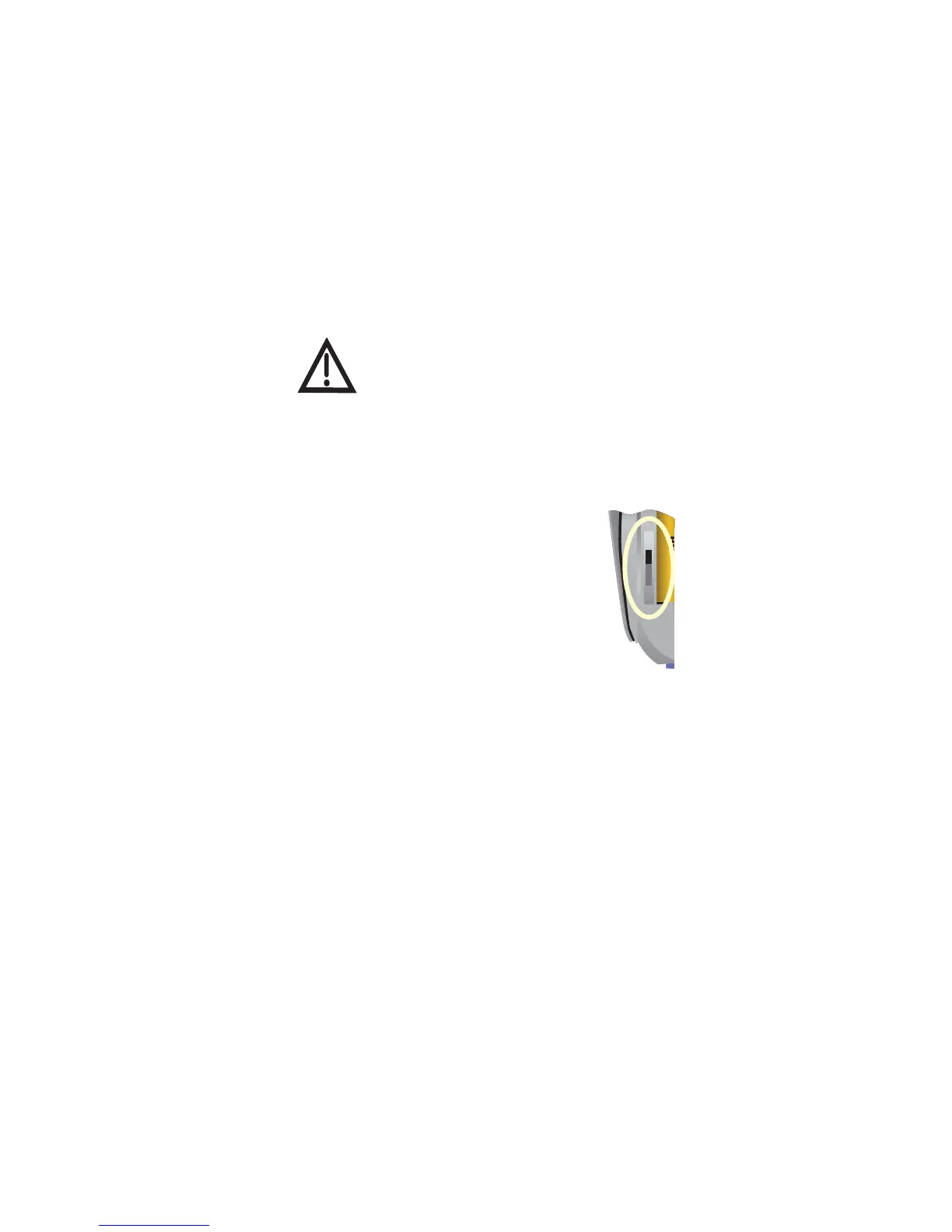
Your remote has a switch to change the UHF frequency that your
remote control uses. It comes preset to the A position but you can
change the setting to the B position to lessen the likelihood of any other
UHF remote interfering with yours.
1 Remove the battery cover from the remote control.
2 Use a small screwdriver or a paper clip to carefully
change the setting.
3 Put the battery cover back on the remote control.
4 Use the SYSTEM INFO button on the front panel
to open the System Info screen.
5 Press RECORD on the remote control.
6 Make sure the remote address on the System Info
screen shows the correct band information:
• Switch Position A—IR/UHF Pro Band A
• Switch Position B—IR/UHF Pro Band B
All receiver models, except the DISH Player-DVR
942, ViP 222, ViP 622 DVR, and ViP 722 DVR,
must use switch position A or the remote does not
control the receiver.














 To Next Page