22
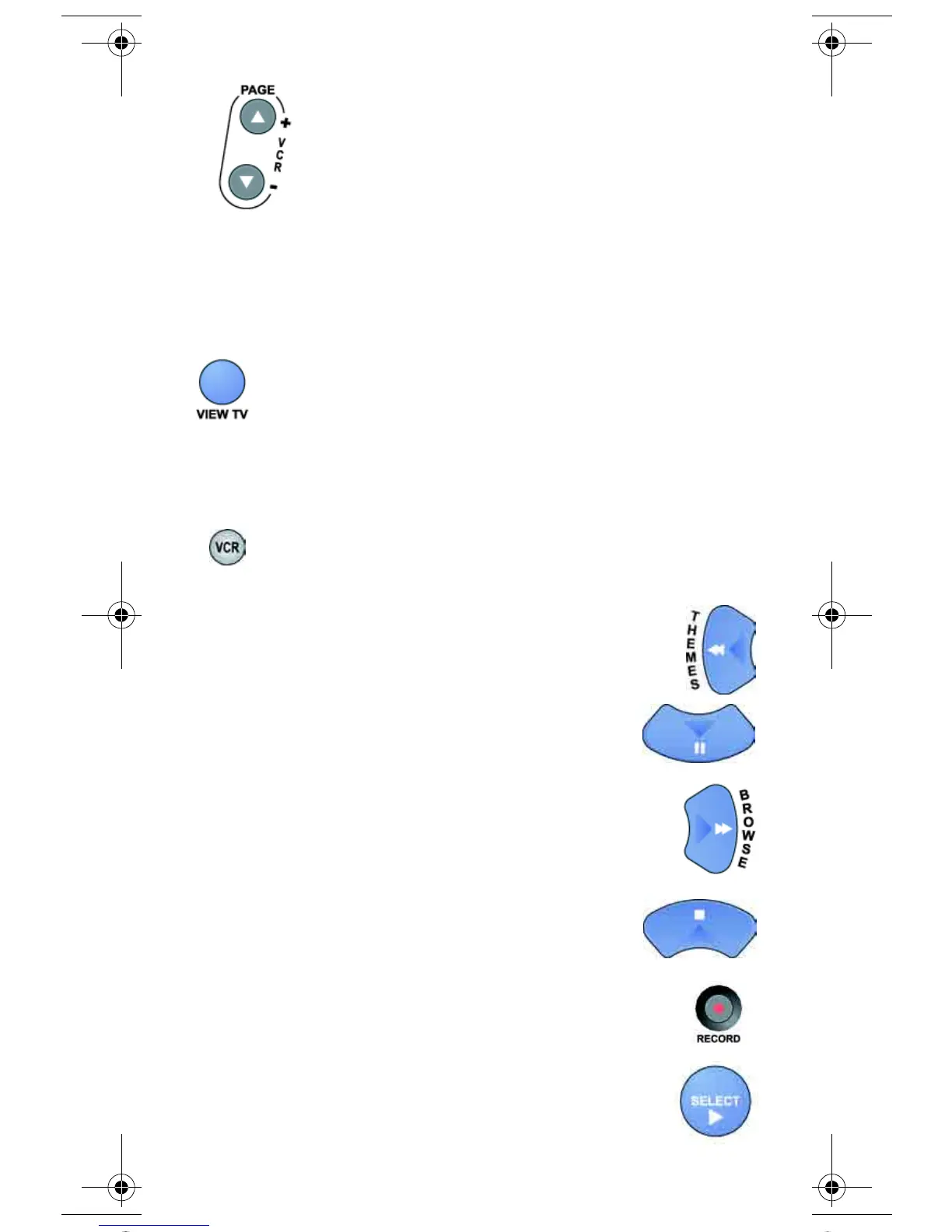
PAGE UP/DOWN ARROW BUTTONS
Use these buttons to change channels on the VCR.
Note: If you are using the remote control in Limited Mode, the VCR
will not change channels.
VIEW TV BUTTON
For VCR/DVD combinations only: Press the VIEW TV button to
switch between VCR and DVD functions.
VCR BUTTONS
• Press the BACK button to rewind a videotape
or reverse a DVD.
• Press the PAUSE button to pause a videotape
or DVD. Press this button or the PLAY button
to play the tape or DVD.
• Press the FWD (“forward”) button
to forward a videotape or DVD.
• Press the STOP button to stop playing
or recording on a videotape. Press the STOP
button to stop playing a DVD.
• Press the RECORD button to record
on a videotape.
• Press the PLAY button to play a videotape or DVD.
text_dishnondvr.fm Page 22 Monday, November 7, 2005 12:03 PM














 To Next Page