Chapter 1
Page 6
Introduction
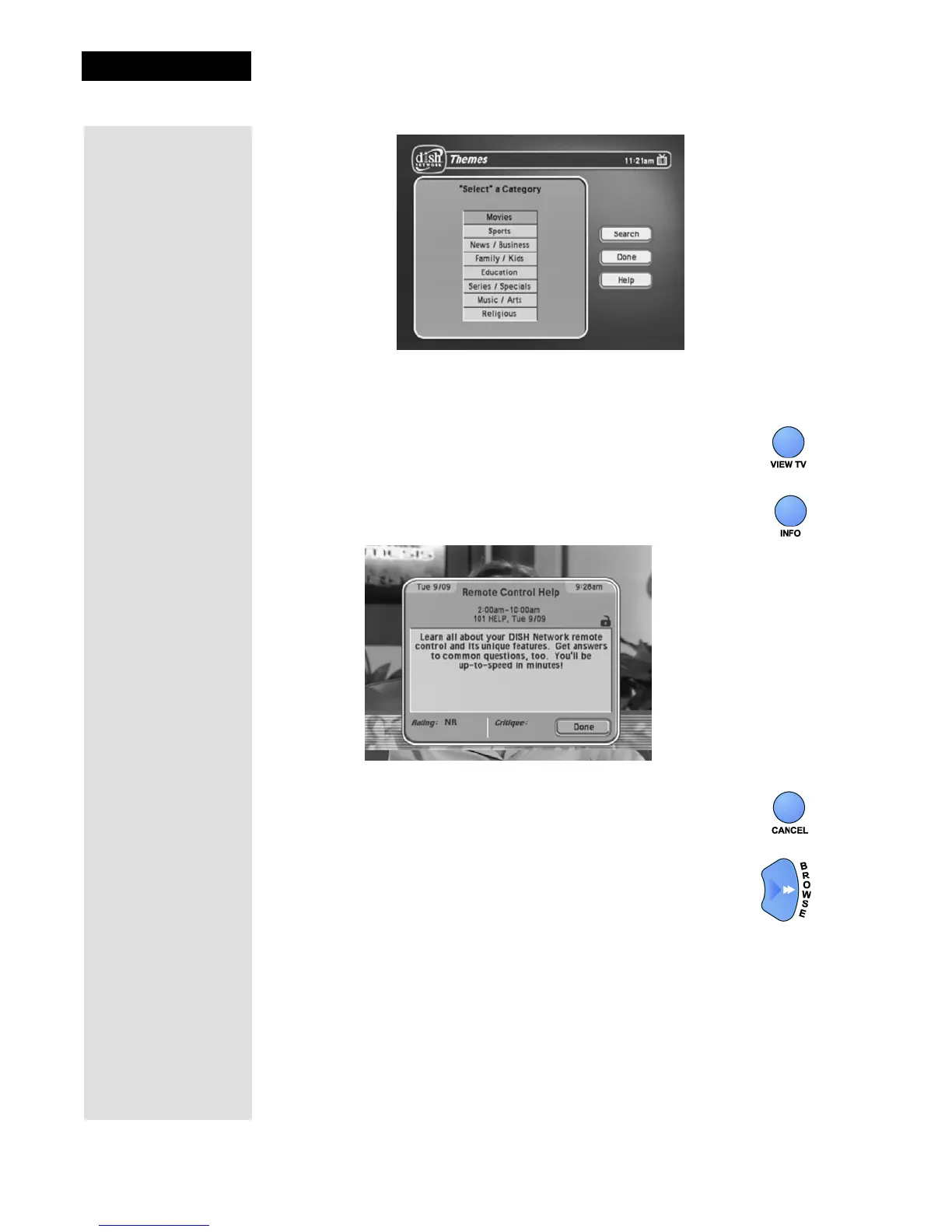
5. Select Sports.
6. Press the VIEW TV button to go back to watch a program.
7. Press the INFO button to see information about the program.
8. Press the CANCEL button to go back to watch the program.
9. Press the BROWSE (RIGHT ARROW) button to open the
Browse Banner. The Browse Banner shows information
on a program we’re watching at the top, and information on
two other programs at the bottom.










 To Next Page