Chapter 3
Page 42
Using the System
Using the Menus
The menus make using the receiver and selecting programs quick and easy.
Use the menus to control the receiver and to use its features, such as setting
locks, choosing a program, or creating a favorites list.
Open and Close Menus
You can open the menus in either of two ways:
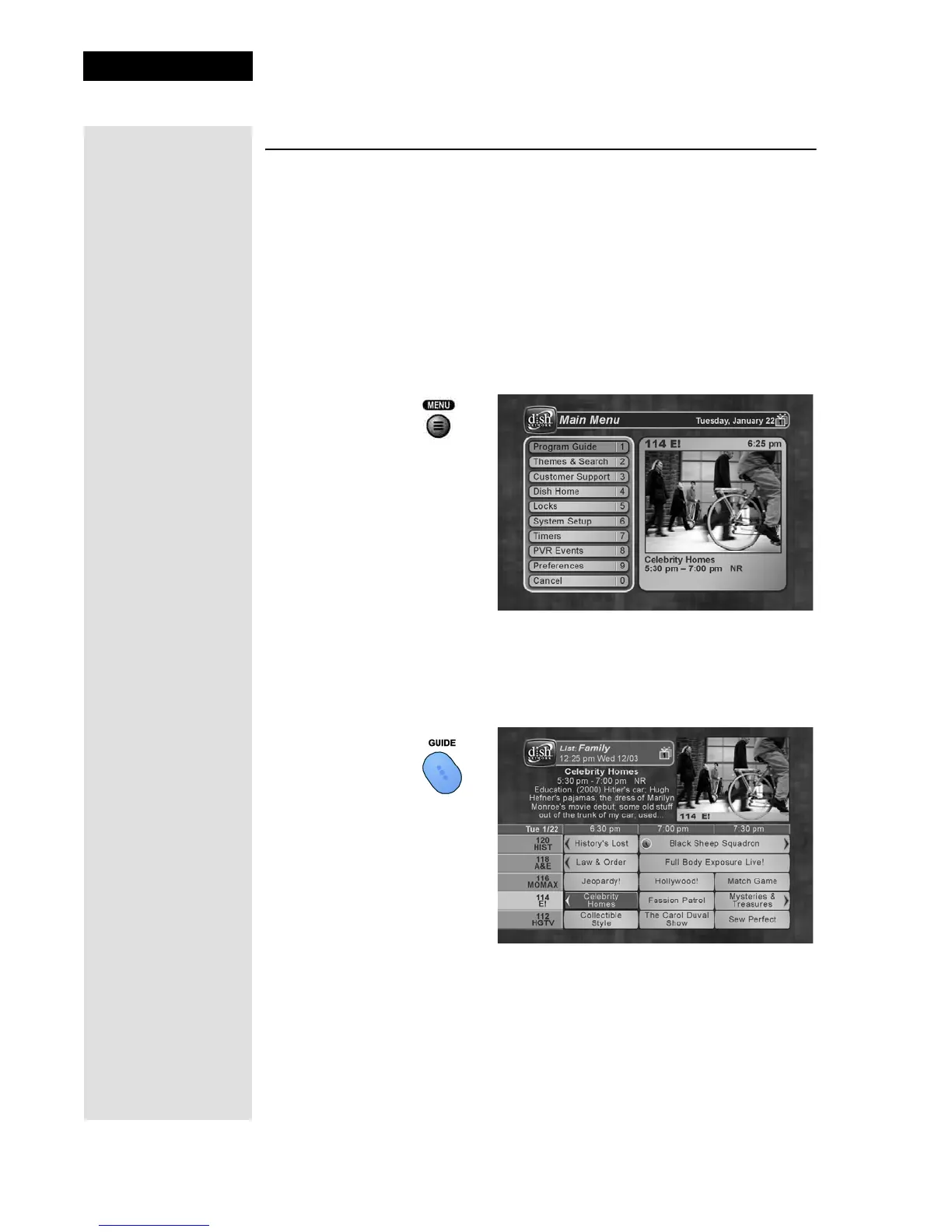
• Press the MENU button to open the
Main Menu, then open any of
the other menus from the
Main Menu.
• Use the matching buttons on the remote control:
Open the
Program Guide.
Tip: Remote
Control 1 is used to
control TV1 menus
on the nearby TV.
Remote Control 2
is used to control
TV2 menus on the
remote TV(s).










 To Next Page