Page 43
Using the Menus
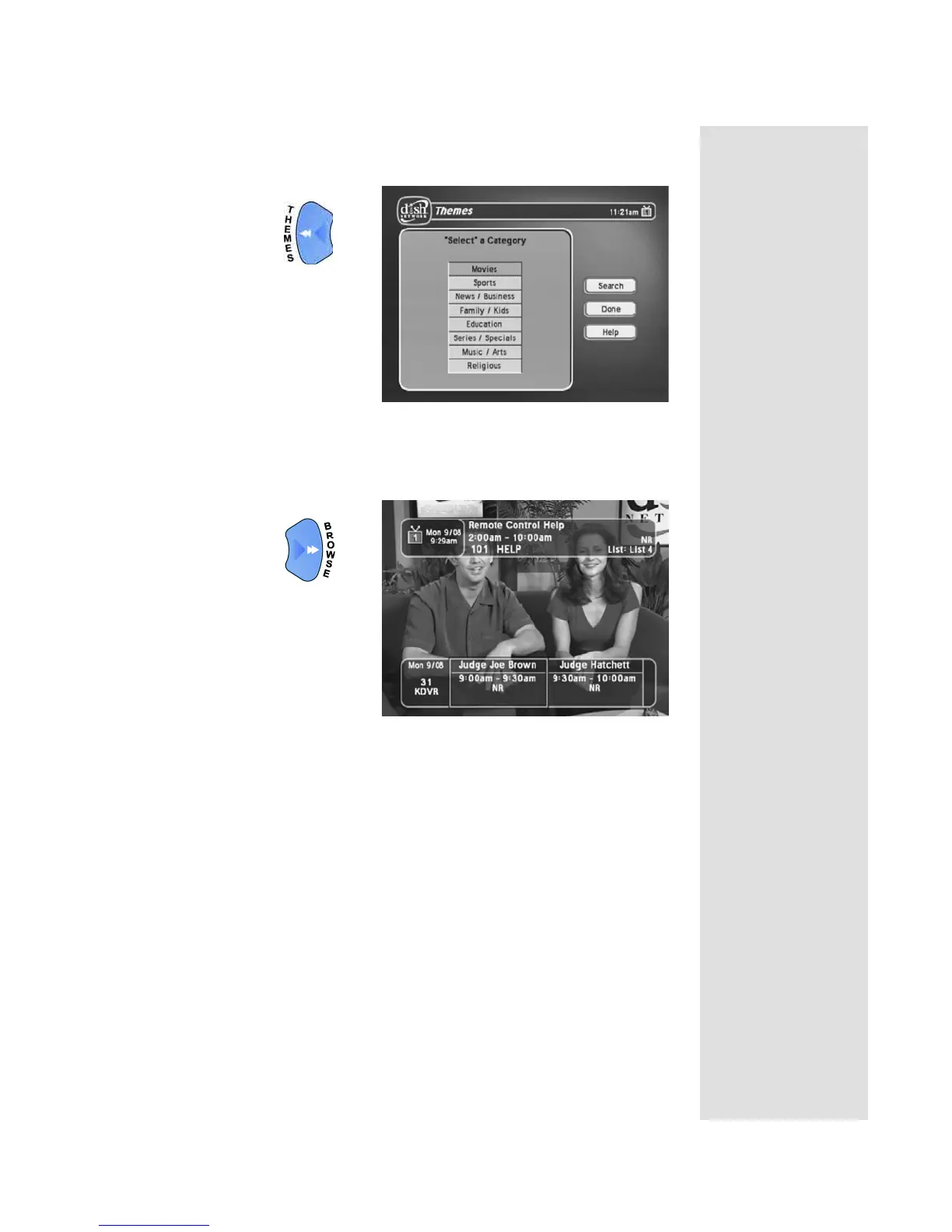
• When watching a program, open the Themes and Search menu.
• Display the
Browse Banner.
• To close a menu and return to watching a program, press either the
VIEW TV or CANCEL button.
Note: If you do not do anything in a menu for several minutes, the
menu automatically closes. This will discard any changes you
made, and display the program you were watching.
Highlighting Menu Options
To highlight a menu option, use the remote control ARROW buttons to
move the on-screen highlight to the menu option. When you do move the
on-screen highlight, the option becomes amber. The highlight is like the one
that you may have seen on a computer screen.










 To Next Page