Page 55
Using Timers
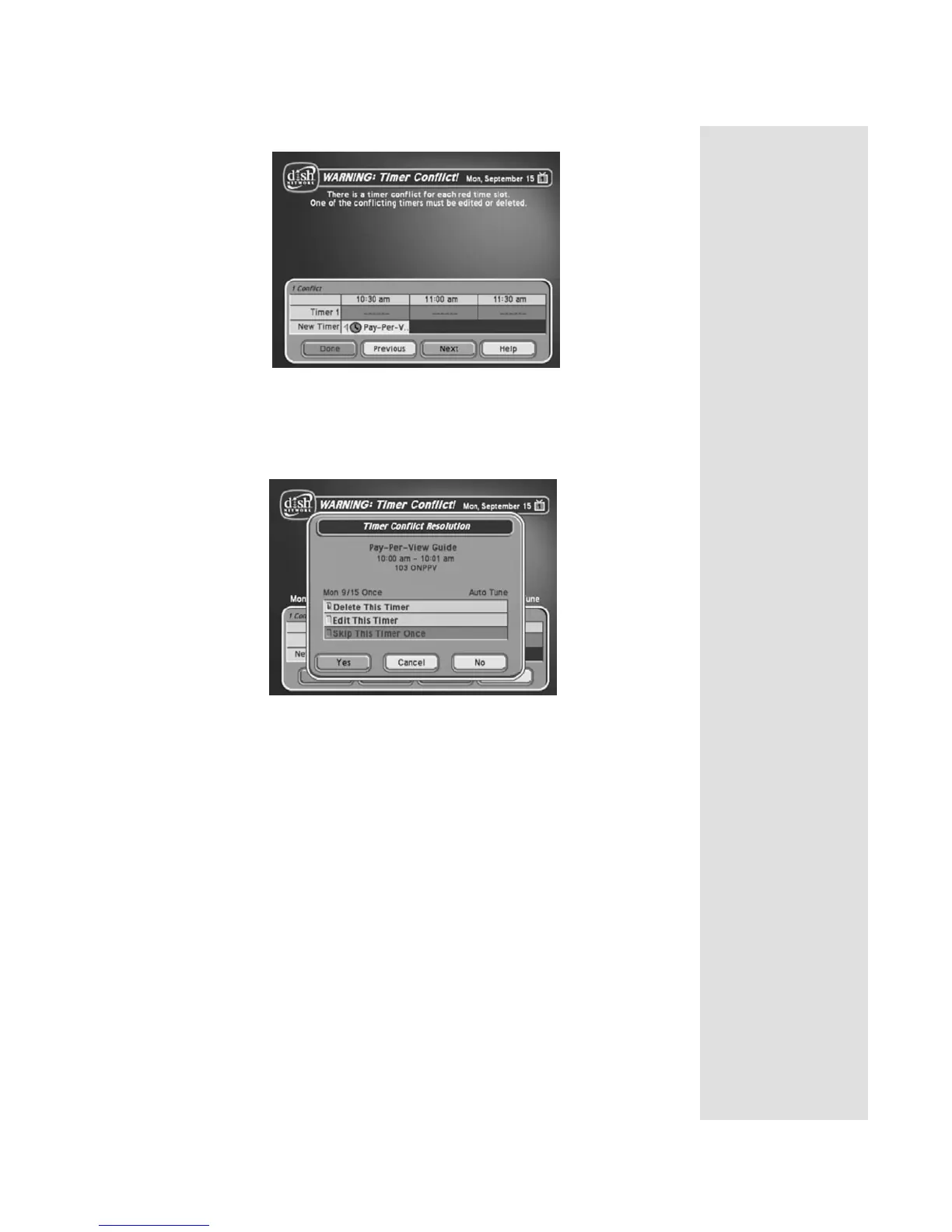
When the Timer Conflict screen displays, resolve the conflict by doing the
following:
1. Select one of the timers. The
Timer Conflict Resolution screen
displays.
2. When the
Timer Conflict Resolution displays, select one of the
following choices:
• Delete This Timer - Removes the timer completely.
• Edit This Timer - You can edit the timer to resolve the conflict.
• Skip This Timer Once - Select this option if you are creating a
timer for a special program (
Once) and have a timer set for a
program you watch regularly (
Mon.-Fri, Daily, or Weekly). For
example, you want to set a timer for an awards show (
Once), but it
conflicts with the timer for a news program (
Mon.-Fri, Daily, or
Weekly). Select the timer for the news program and then select
Skip This Timer Once.
3. Select
Yes to close the Timer Conflict Resolution screen.
4. Select
Done.











 To Next Page