Chapter 3
Page 68
Using the System
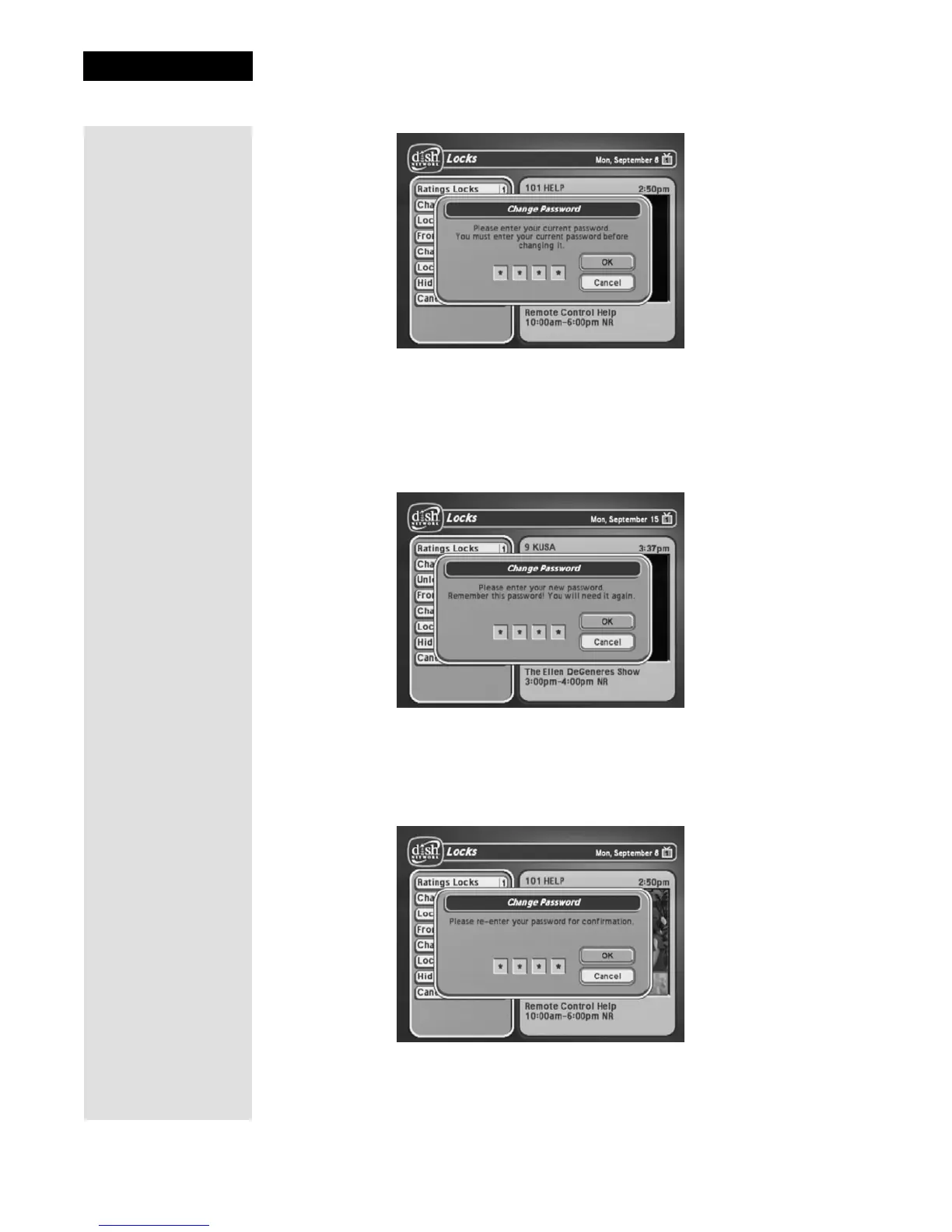
5. Enter the current password using the number pad buttons. As soon as
you enter the fourth digit of the password, the receiver highlights the
OK
option. Press the SELECT button.
6. Enter the new password using the number pad buttons. As soon as you
enter the fourth digit of the password, the receiver highlights the
OK
option. Select the OK option to change the password.
7. Enter the new password again for confirmation, using the NUMBER
PAD buttons. The receiver continues to display stars (*) as you enter the
digits of the password. As soon as you enter the fourth digit of the
password, the receiver highlights the
OK option. Press the SELECT
button.
8. Memorize the new password. From now on, you must enter this
password to lock or unlock the receiver.











 To Next Page