4
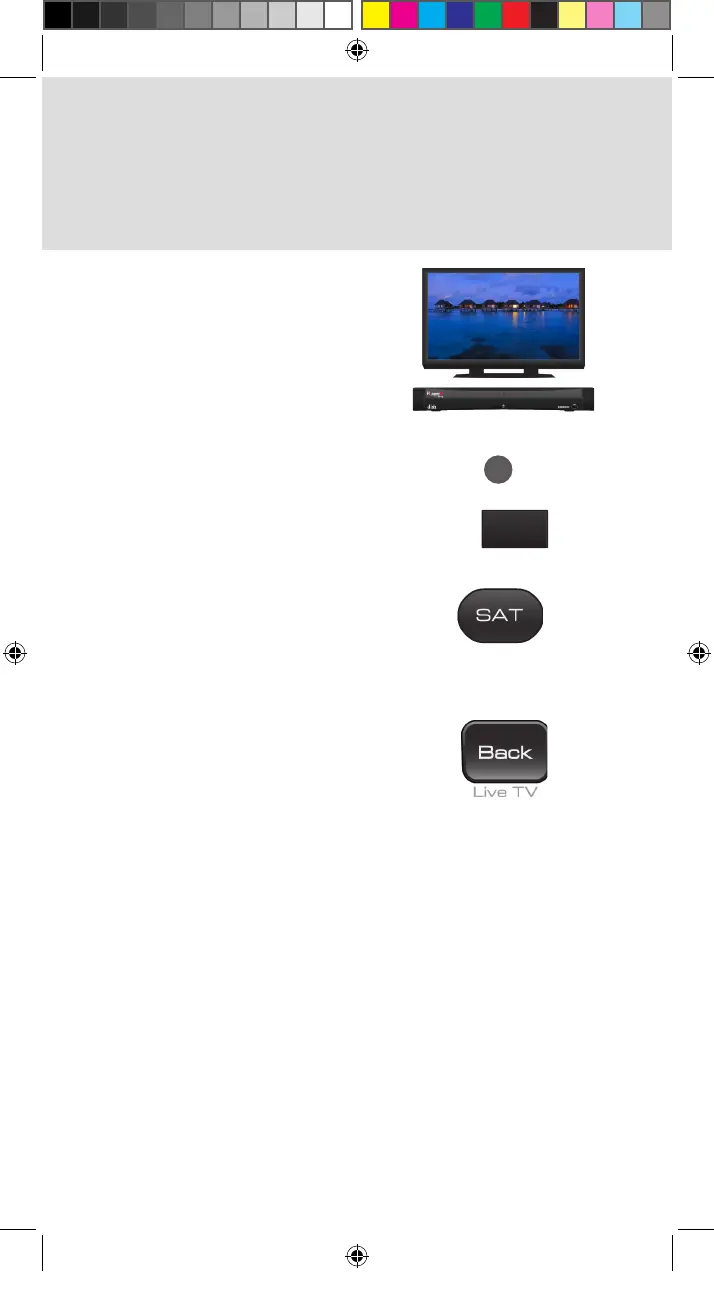
3. Pairing the Remote to a Hopper
or Joey Receiver
Turn your receiver and TV
on.
Press SYSTEM INFO on the
front panel of the receiver.
Press the SAT button on
your remote. When the
remote is paired, it gives a
series of ascending tones.
Press the BACK/LIVE TV
button to return to live TV.
b.
a.
SYSTEM
INFO
SYS INFO
Joey:
OR
Hopper:
c.
d.
Standard_Remote_QSG.indd 4 9/2/2015 4:16:18 PM












 To Next Page