You will hear three beeps from the
remote control, indicating it has paired
with your DISH receiver
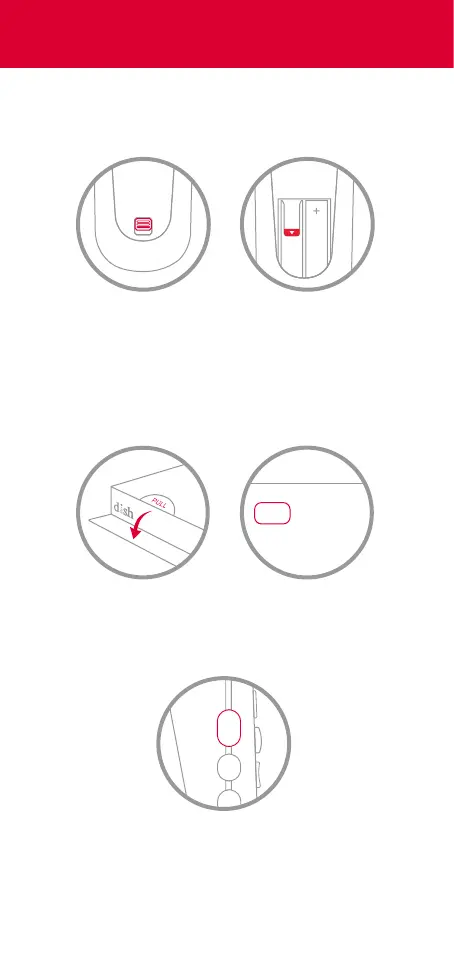
4 Press the SAT button on the side of the
remote control
2 Replace the back cover
PULL
3 Open the front panel of your DISH
receiver, and press the SYS INFO button
1 Remove the back cover by pushing the
tab upward, and remove the PULL tab
Turn On Your Remote












 To Next Page