11
SETTING UP A TV1 UHF PRO REMOTE FOR THE
DISH PLAYER-DVR 522 AND 625 ONLY
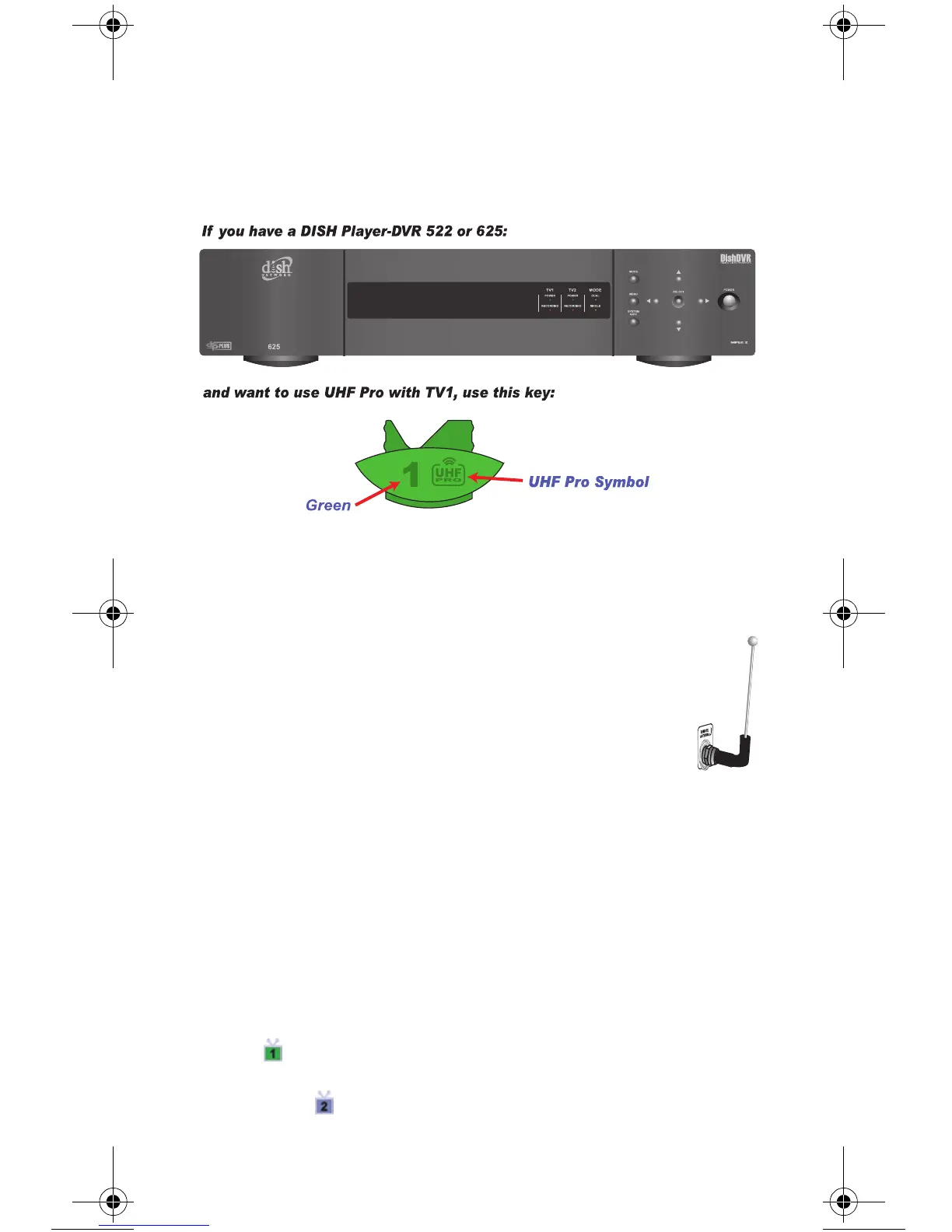
Use these special instructions only if you are going to use the green 1
UHF Pro key to control the TV1 side of your DISH Player-DVR 522 or
625.
When you are finished setting up the remote control, you’ll be able to
operate the TV1 side of your DISH Player-DVR 522 or 625 from long
distances.
1 Make sure the key is installed as described on pages
C-1 and C-2.
2 Make sure the UHF Antenna is attached to the back
of the receiver.
3 Using the receiver’s front panel buttons, press MENU. Select the
following onscreen items in this sequence:
a. System Setup.
b. Installation.
c. TV1 UHF Pro Setup.
4 Select Enable from the TV1 UHF Pro Setup screen.
5 Select System Info to open the System Information screen.
6 Use the ARROW buttons to move the highlight to the address for
the Remote Address as shown below. This is important - if
you do not move the highlight, your remote will change the
receiver's Remote Address and cause your Remote Control
6.3 Replacement.book Page 11 Tuesday, November 7, 2006 11:56 AM












 To Next Page