Controlling Sound Volume
104333 19
TV
OR
A
MPLIFIER
V
OLUME
C
ONTROL
If you set up the remote to control a television, the Mute and Volume
buttons - in any mode - control the TV volume. This applies whether
or not the receiver has its own volume control. This does not apply if
you use the AUX mode to control a device that has a volume setting.
If you want to control a device that has a volume setting, using any
remote mode, do the following:
To switch back to TV volume control, do the following:
1. Press and hold the AUX mode button for three
seconds, then release it.
2. Press the Pound (#) button.
3. Press the plus (+) side of the Volume button.
4. Press the 0 number button.
5. Press the Pound (#) button. The AUX mode
button backlight blinks three times.
1. Press and hold the TV mode button for three
seconds, then release it.
2. Press the Pound (#) button.
3. Press the plus (+) side of the Volume button.
4. Press the 0 number button.
5. Press the Pound (#) button. The AUX mode
button backlight blinks three times.


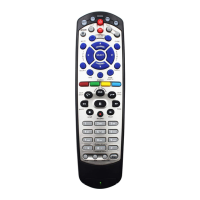
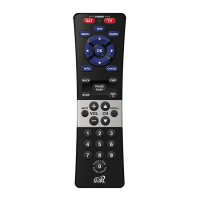









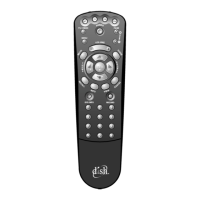

 To Next Page