VCR (VideoCassette Recorder) Mode
10 104333
U
P
/D
OWN
(A
RROW
) B
UTTONS
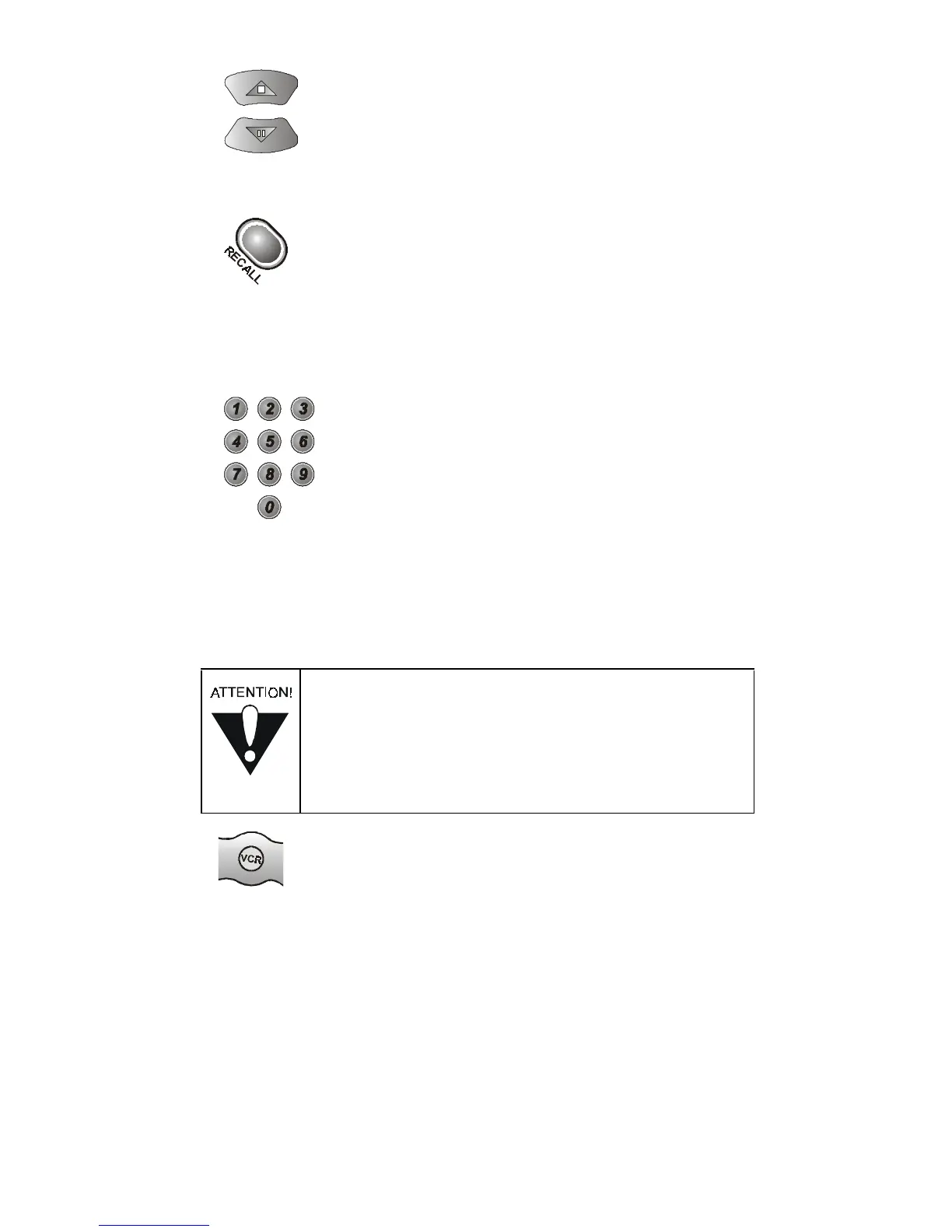
Use the Up/Down arrow buttons to change channels on the TV.
R
ECALL
B
UTTON
Press this button to return to the last channel you were watching.
Press it again to switch between the last two channels that you
watched.
N
UMBER
B
UTTONS
Use these buttons to enter numbers in a menu.
VCR (VIDEOCASSETTE RECORDER) MODE
VCR M
ODE
B
UTTON
To use the remote to operate a VCR, you must first set up the remote
to control the VCR. See Controlling a Device on pag e15. Then, you
must press the VCR mode button to set the remote to VCR mode.
The VCR mode button’s back light turns ON to show that the remote
is set to VCR mode. Make sure to keep the remote in VCR mode
to use the buttons as described in this section.
Some of the features described below may not
apply to the VCR. See your VCR owner’s manual
for details about the VCR’s features. If a remote
control button is not described in this section,
it does not work in VCR mode.












 To Next Page