SAT (Satellite Receiver) Mode
104333 7
I
NFORMATION
(I
NFO
) B
UTTON
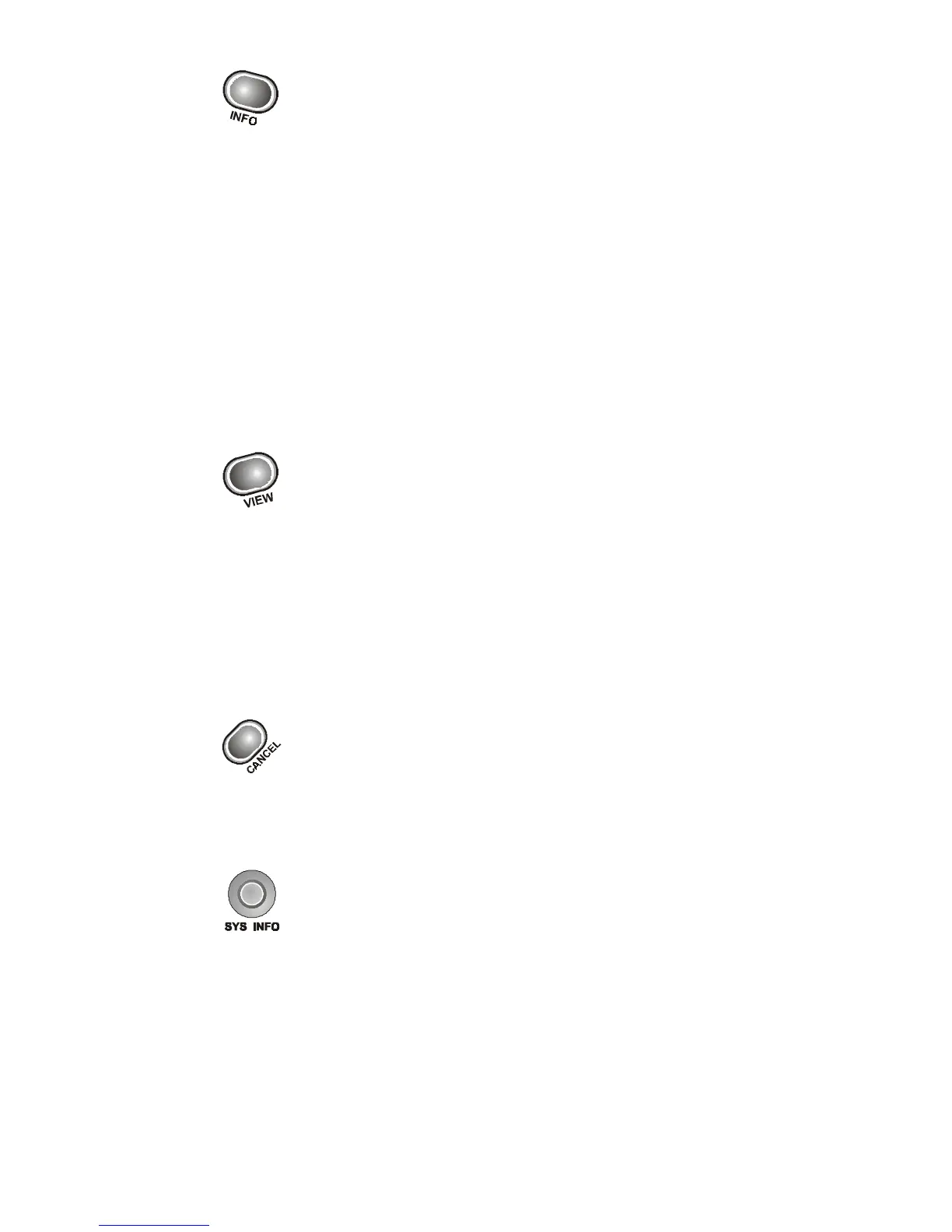
• Press this button for more information when the
Program Guide or the Browse Banner is open, or when
watching a program.
• When a menu is open that includes a Help option, press this
button to see help information for that menu.
• Highlight a program in a Themes list and then press this button
for more information on that program.
• When the receiver is OFF, press this button to display the
Important System Information menu.
V
IEW
B
UTTON
• Press this button to return to watching a program.
• If you are watching a program, press this button to briefly display
the Program Banner.
• While using any menu, press this button to cancel a procedure
and return to watching a program.
C
ANCEL
B
UTTON
Press this button to cancel a procedure and to return to the previous
menu or to watching a program.
S
YSTEM
I
NFORMATION
(S
YS
I
NFO
) B
UTTON
Press this button to display the Important System Information
menu.












 To Next Page