(e) Try another antenna.
(f) Ensure U.FL connector of VTX has at least 7mm vertical clearance.
(g) Check if there is other VTX (analog, DJI, HDZero) working on
current channel.
(h) Check if there is WIFI interference.
Recording files are zero
byte length
There are two recording file format: TS and MOV format
On TS format, VRX ensures video will be recorded until last second
before VRX is powered off.
On MOV format, VRX will not have enough time to close the recorded
file if VRX is powered off. Therefore, it is important to manually close
the file by switching to setting mode (Long press Left key) or switching
channel (press Right key) before powered down VRX
(a) An 8G-32G SD card Recommended
(b) Format SD card before using:
- Use VRX to format SD card.
- Use Windows to format (Choose FAT32 and Allocation Unit size to
4096 bytes).
(a) Make sure input voltage is within range.
(b) The VTX consumes about 5W, make sure power source has enough
max current.
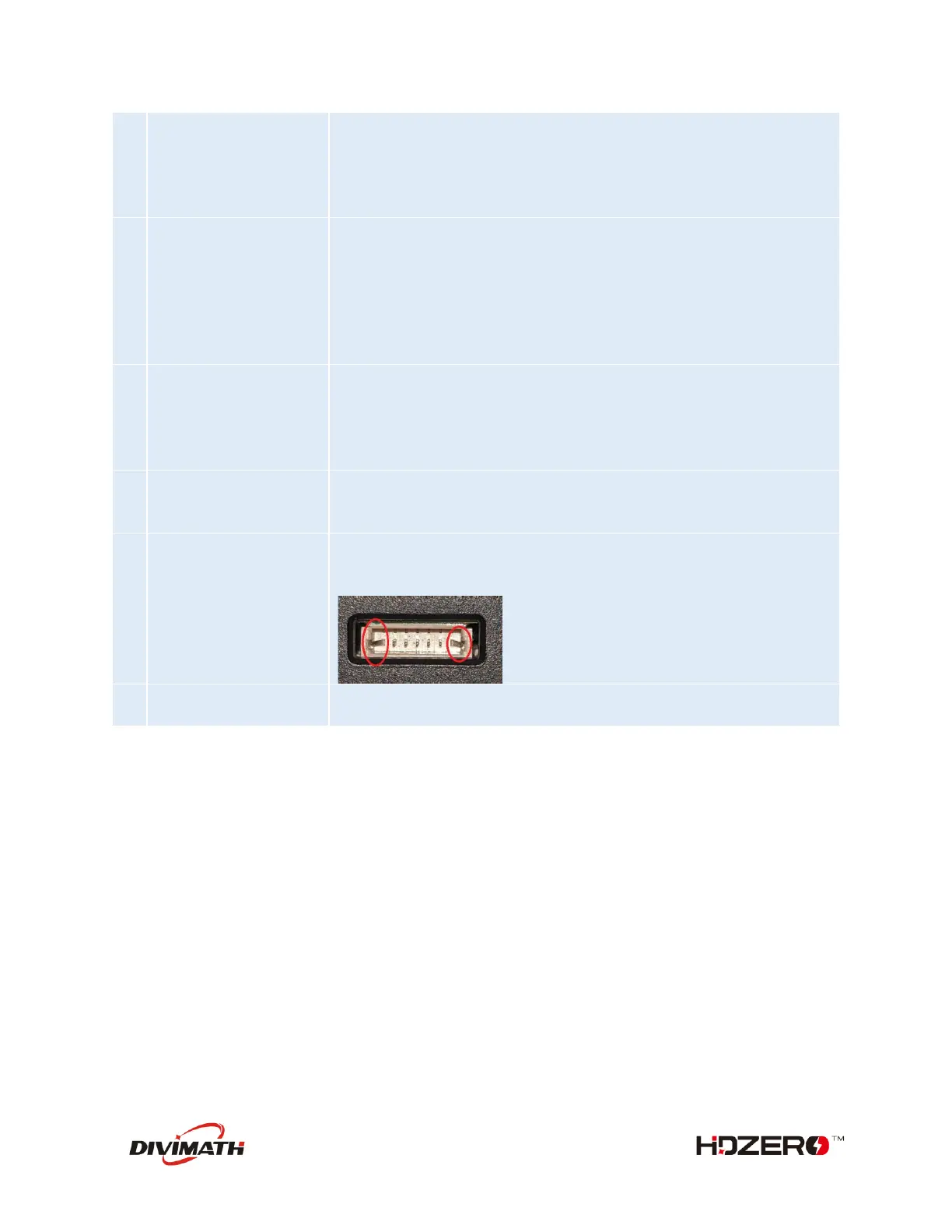
Check if any pins on VRX or VTX update port are bent. Pins should all
be straight. Example of crooked pin on the VRX causing flashing
problems:
FC dropping to
bootloader
Add a 200ohm resistor between the wire from FC UART.TX to VTX
UART.RX



 To Previous Page