40
Chapter 2: Camera Configuration
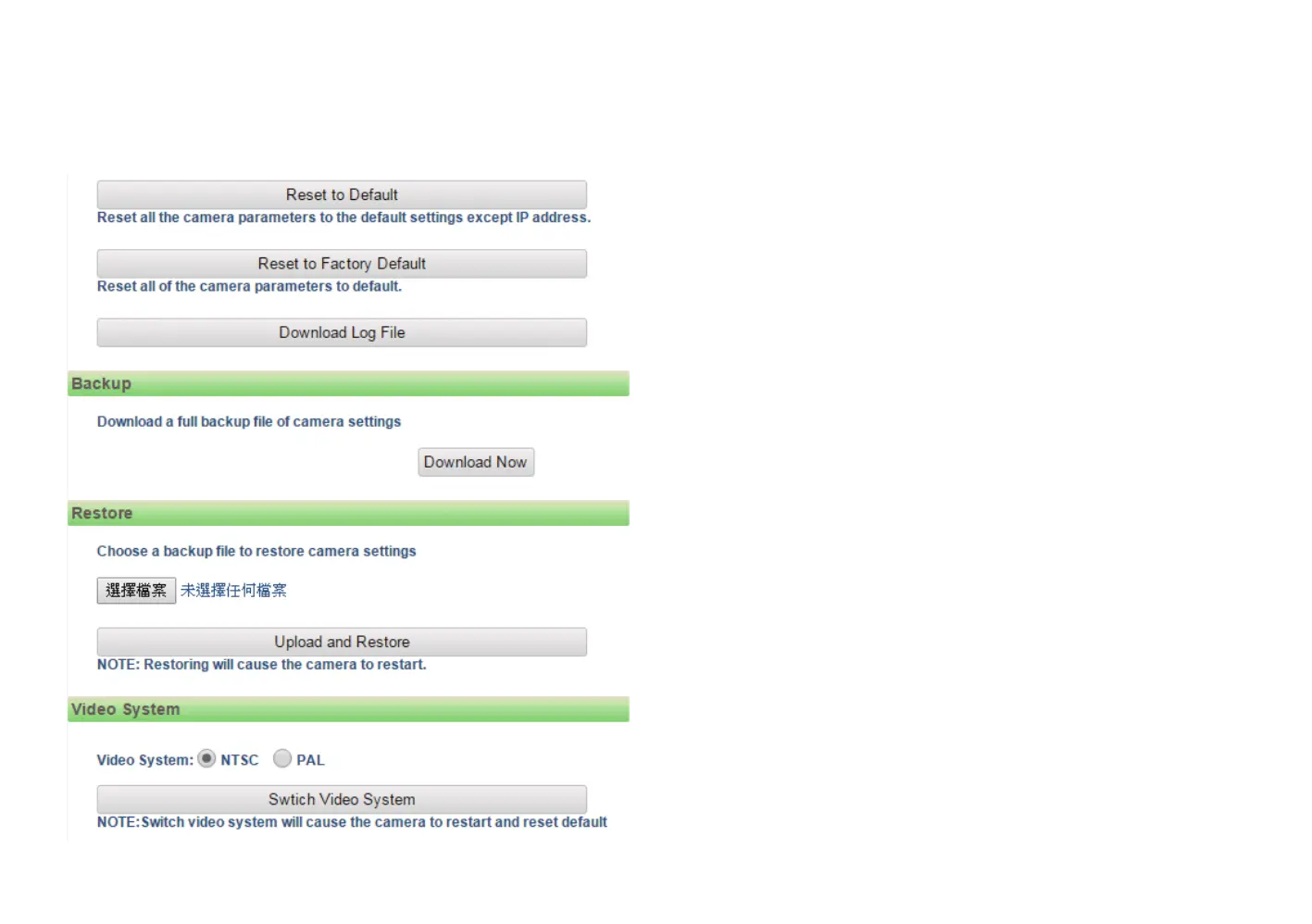
Reset to Factory Default
Click this button to restore all the camera’s setting back to factory default,
including IP address (default is 192.168.0.250).
Download Log File
Records all the status information of the camera in list format when the
camera is connecting to the PC. Downloads the log file to the computer as
a text file.
Backup
Download Now
Downloads the current camera settings to a backup file.
Restore
Update and Restore
Click on the Browse button and locate the backup file, once the file is
selected, press the Update and Restore button to restore camera settings.
Video System
Options to switch between NTSC or PAL video system. The camera will
restart and reset to default after switching the video system.
Maintenance Cont.



 To Next Page