7
Chapter 2: Camera Configuration
CAM-FINDER
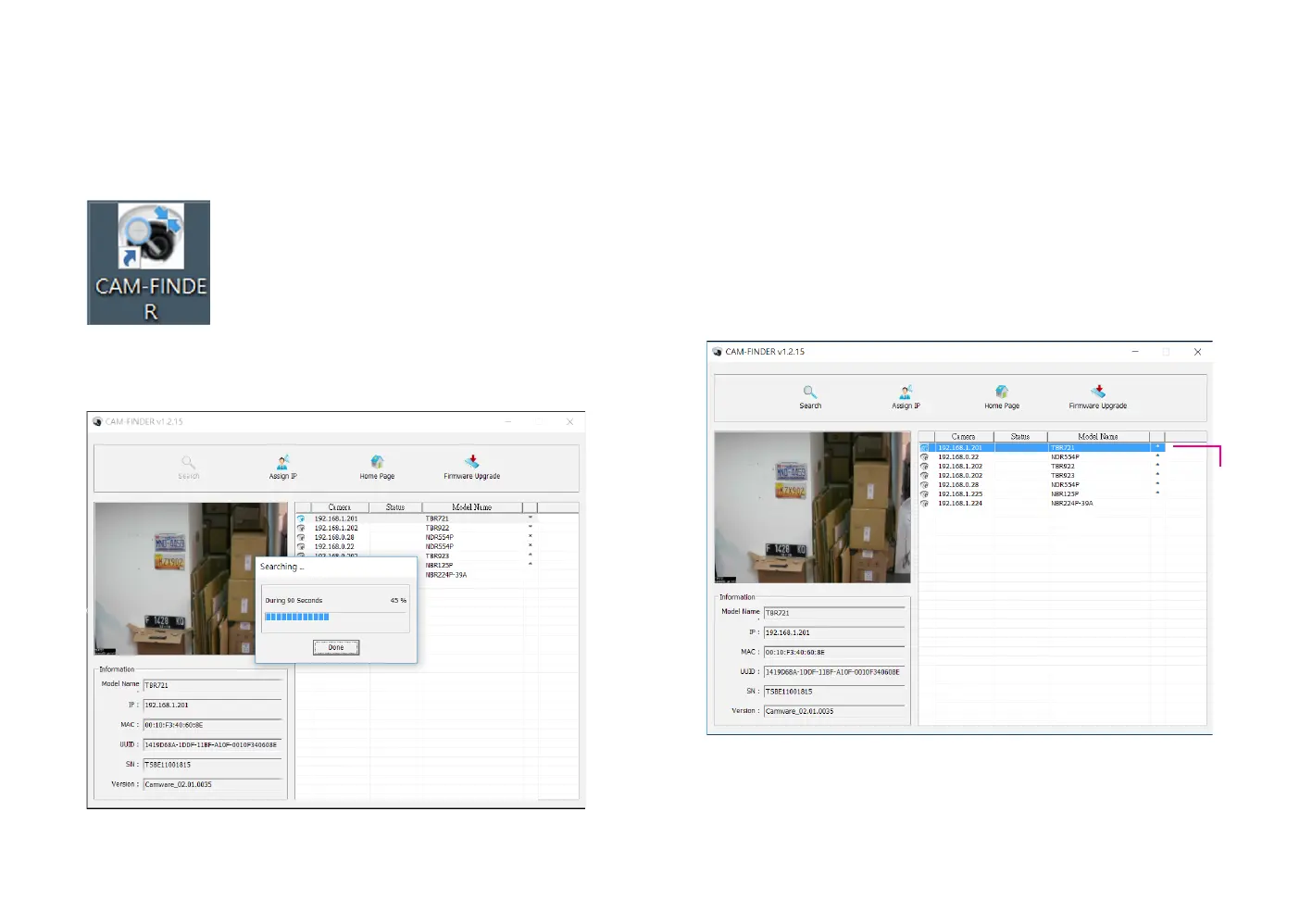
1. Locate and open the CAM-FINDER software shortcut on the desktop.
4. You can access the menu by double clicking the camera’s IP address
under Camera List. The IE will be opened automatically.
2. When the program is launched, it will begin searching the network for
IP cameras automatically (the search will last for up to 90 seconds). You
can also manually search cameras by clicking on the Search button.
3. Once the camera is discovered, it will show the following information:
▪ Model Name
▪ IP address
▪ MAC address
▪ UUID
▪ Serial Number
▪ Version
Camera
List



 To Next Page