55
Chapter 2: Camera Configuration
Network Storage Cont.
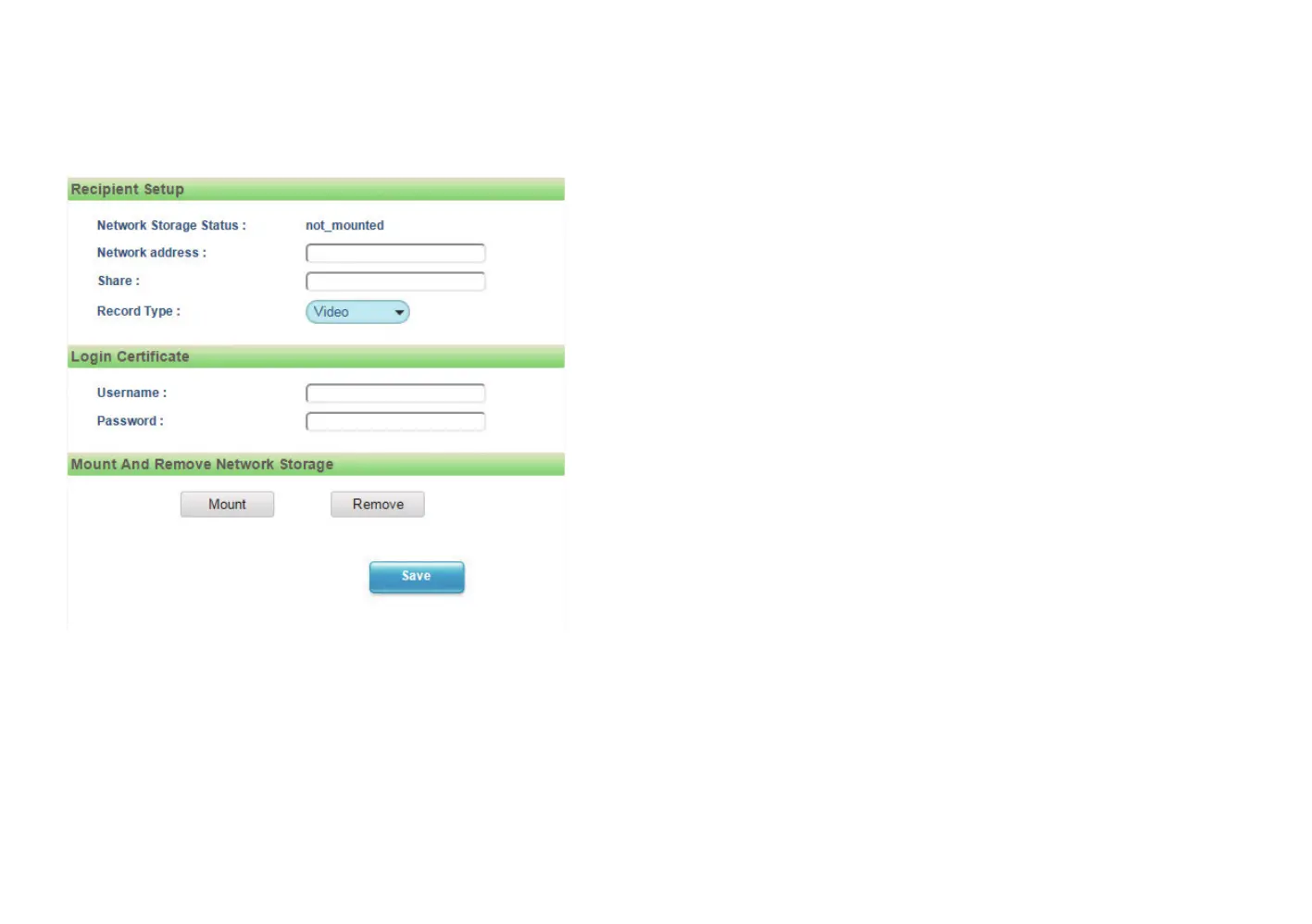
Login Certificate
Username and Password
Specifies the login username and password for the network storage server.
Mount and Remove Network Storage
Mount
Set up a network connection with the network storage server. All the video
recordings or snapshots from event triggers will be uploaded to the network
storage server. After the setting is complete, the Network Storage Status
field will display ok.
Remove
Delete the previous setting or set up a new one. After the setting is removed,
the Network Storage Status field will display not_mounted.
Save
Save button to apply the configurations, click on this button once all the
settings are confirmed for the new changes to take effect.



 To Next Page