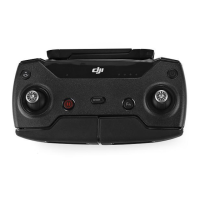
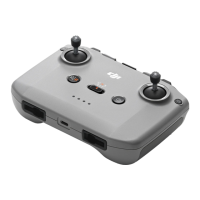
1. Gimbal Dial: Control the tilt of the gimbal.
2. Customizable Button: Press once to recenter the gimbal or point the gimbal
downward by default.
3. Shutter/Record Button: Press once to take a photo or to start or stop recording.
4. Photo/Video Button: Press once to switch between photo and video mode.
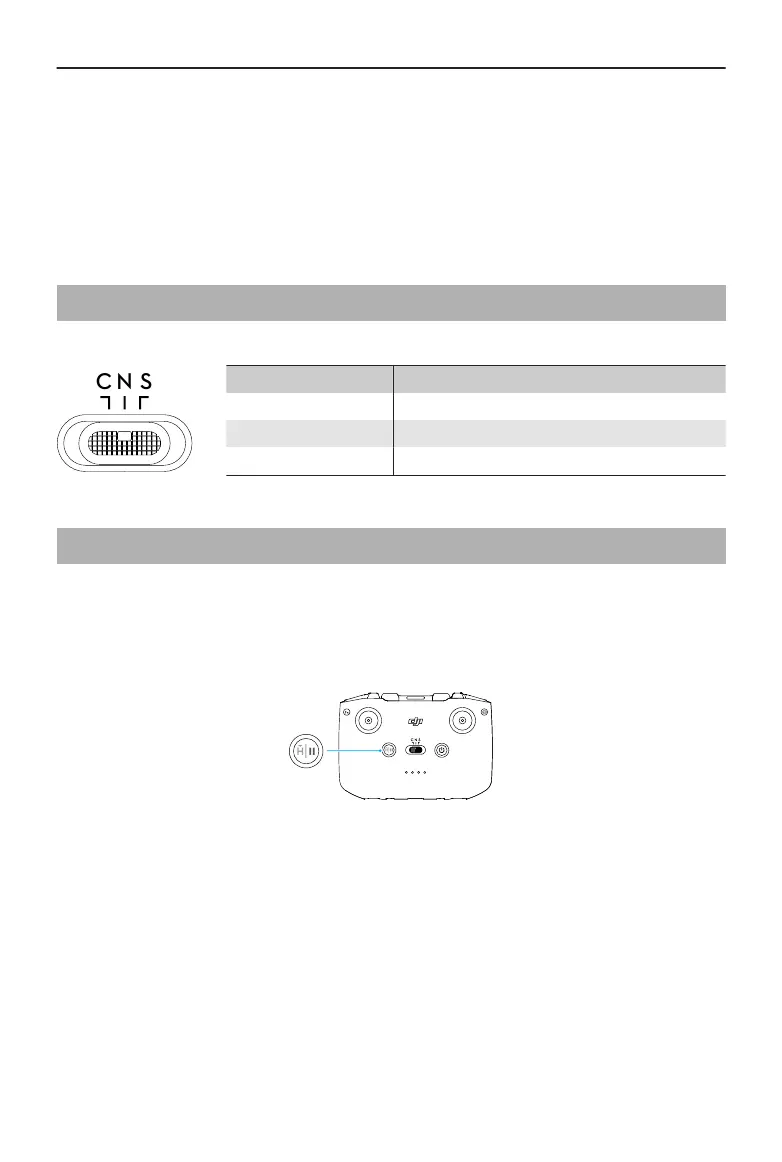
4.5 Flight Mode Switch
Toggle the switch to select the desired ight mode.
Position Flight Mode
S Sport Mode
N Normal Mode
C Cine Mode
4.6 Flight Pause/RTH Button
Press once to make the aircraft brake and hover in place.
Press and hold the button until the remote controller beeps and starts RTH. The aircraft
will return to the last recorded Home Point. Press the button again to cancel RTH and
regain control of the aircraft.
DJI RC-N3 User Manual
© 2024 DJI All Rights Reserved. 11



 To Next Page