EasyManua.ls Logo

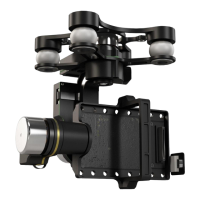
dji Zenmuse Z15-BMPCC - User Manual

dji Zenmuse Z15-BMPCC
28 pages
Print Icon
To Next Page IconTo Next Page
Loading...
Zenmuse Z15-BMPCC
2014.05
V1.0
User Manual

Questions and Answers

  • W
    Wesley LindseyAug 10, 2025
    What to do if the gimbal LED is blinking red on my dji Zenmuse Z15-BMPCC?
    • M
      Maria HarrisAug 10, 2025
      If the gimbal LED is blinking red, it could be due to a few reasons. First, ensure that the cables connecting the gimbal and camera are securely connected. Second, check if the camera is powered on and turn it on if it is off. Finally, if the camera setup has failed, set the HDMI resolution to 1080i.
  • J
    Jessica FrostAug 20, 2025
    Why does the gimbal keep drifting after initialization with my DJI Camera Accessories?
    • J
      Julia CoxAug 20, 2025
      The gimbal might keep drifting after initialization because: 1. The TX trims are too high: Adjust the TX trims. 2. The GCU and Flight Control System have been disconnected: Connect the GCU and Flight Control System. 3. The gimbal mounting direction is not pointing towards the aircraft’s nose: Ensure the gimbal mounting direction is the same as the aircraft’s nose.
  • R
    Ricardo HensleyAug 29, 2025
    What to do if the gimbal’s green or yellow LED is solid on but no video is displayed on my dji Zenmuse Z15-BMPCC Camera Accessories?
    • B
      Beverly WhiteAug 30, 2025
      If the gimbal’s green or yellow LED is solid on but no video is displayed, consider the following: * Check the connection of the HDMI-HD/AV transmission module to the camera. * Ensure that the camera is powered on. * If in HD mode, and the DJI Lightbridge APP video source is set to “HDMI/AV”, change it to "HD Gimbal".

Summary

Warning & Disclaimer

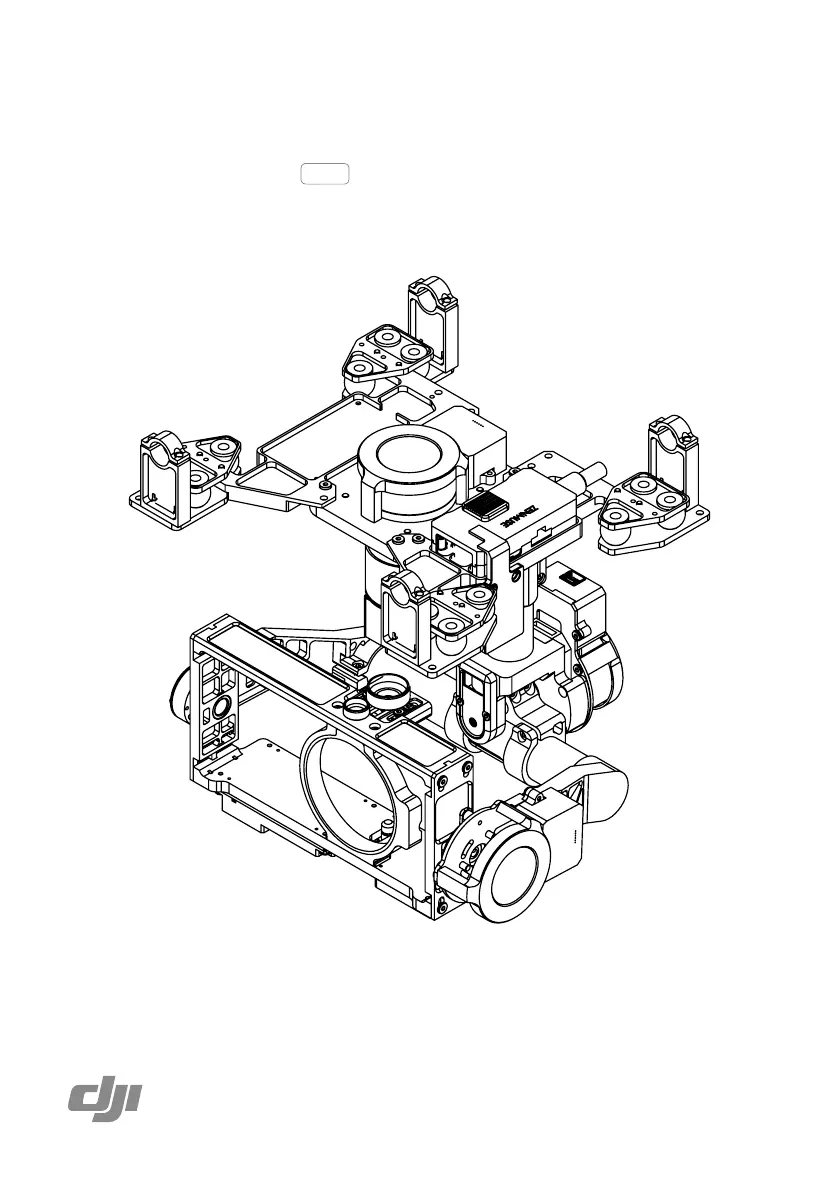
Gimbal Description

Camera Wiring;Record Control

Video Signal Transmission

GCU Wiring

GCU Wiring Connections

Detailed wiring diagrams and instructions for connecting the Gimbal Control Unit (GCU) to various systems.

GCU Ports Indication

Working Modes;AUX1;AUX2 Switch Settings

Configuration of transmitter switches for controlling gimbal working modes and auxiliary functions.

PC Assistant Tuning

Installation and Usage

Steps for installing and using the DJI PC Assistant software for configuration.

Basic Setting

How to set transmitter channels for gimbal control and working modes using the Assistant software.

Upgrade

Procedure for upgrading the gimbal firmware using the PC Assistant software.

Pre-Flight Check

Check Before Each Flight

Essential checks to perform before each flight to ensure proper gimbal and aircraft operation.

Flight Test

Steps for conducting a flight test to verify gimbal initialization and functionality.

Port Description

Trouble Shooting

Specifications

dji Zenmuse Z15-BMPCC Specifications

General IconGeneral
CompatibilityBlackmagic Pocket Cinema Camera
Gimbal Type3-axis
Control Accuracy±0.02°
Power Consumption15W
Storage Temperature-20°C to 60°C
Pan Range360°
Operating Voltage12V-26V

Related product manuals