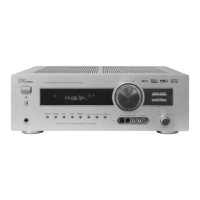
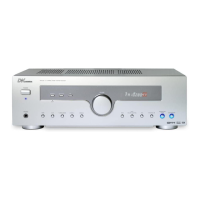
Direct In
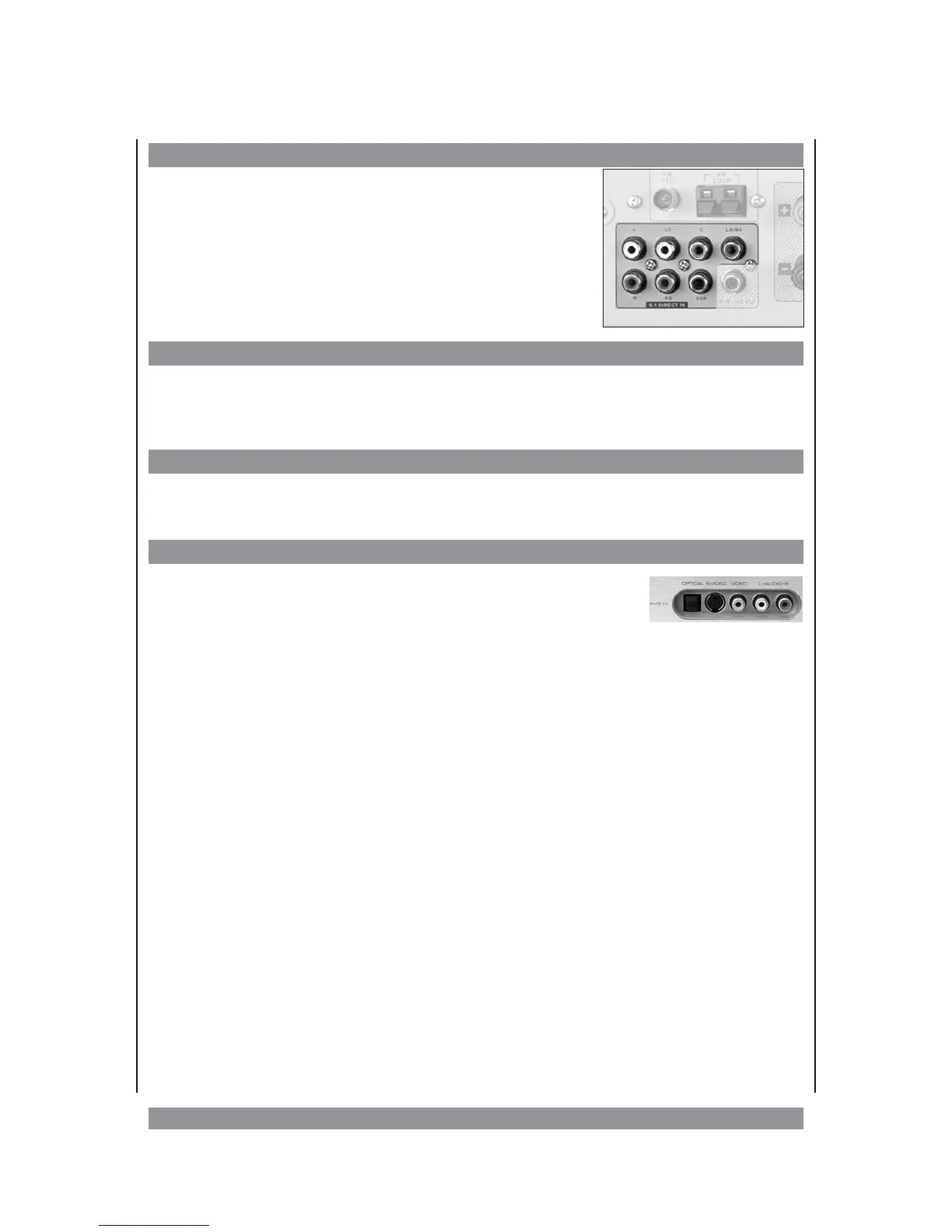
Pressing this button activates the analogue 6.1 DIRECT IN
input. Here you can connect the discrete audio output of a
DVD player to playback high-quality DTS / AC3 sources. The
LB/BS socket is designed to receive a single-channel back
surround signal.
Phones output
On the left front side of the device, you find the phones jack PHONES. Connect here stereo
phones with a 6.3 mm jack plug. The speakers are switched off. We recommend you to
switch to STEREO so that you don’t miss anything in phones operation.
Display key
Press the DISPLAY key while the device is processing external signals in order to have the
format of the input signal respectively the currently selected operational mode shown.
AV3 input
On the front panel you can find the input VIDEO 3. These sockekts
are ideal to use with equipment that you often have to connect and
disconnect, like portable cameras or DAT recorders.
18


 To Next Page
 Loading...