EasyManua.ls Logo

DLI DIN4 - 6 Setup Page

Default Icon
57 pages
Print Icon
To Next Page IconTo Next Page
To Previous Page IconTo Previous Page
Loading...
12 CONTENTS
6 Setup page
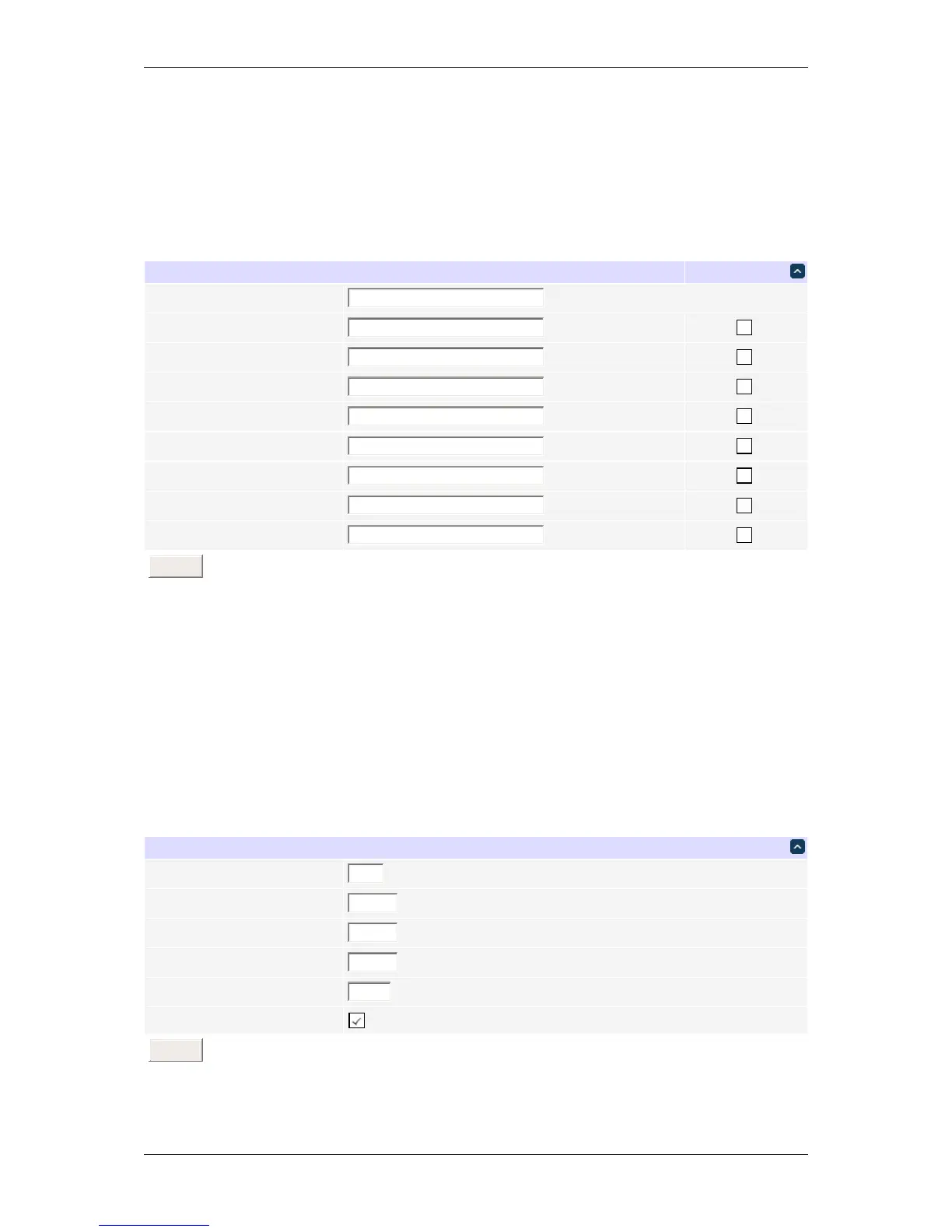
The setup page allows the administrator to configure the power controller. These settings are supported:
6.1 Controller and relay names
UnitNames Confirm
Controllername
DLIController
Relay1name
Relay1
Relay2name
Relay2
Relay3name
Relay3
Relay4name
Relay4
Relay5name
Relay5
Relay6name
Relay6
Relay7name
Relay7
Relay8name
Relay8
Submit
Controller and relay names
Use the controller name fields to assign a Controller Name to the power controller itself. Examples are "Server
Rack Power Strip" or "Plutonium Refinery Control". The Controller Name field appears on the top of the home page.
Assign a separate name to each relay, such as "Missile Launcher" or "Email Server" to make identification of each
circuit simple.
6.2 Delays
Delay
Wrongpasswordlockout
60
minutes.(0-60)
ONsequencedelay
3
seconds.(1-255)
Cycledelay
0
seconds.(1-255)
Brown-outre-latchdelay
10
seconds.(1-255)
Refreshscreenevery
1
minutes.(1-255)
Enablescreenrefresh
Submit
Delays
DLI DIN4 User’s Guide: 20170809T111540Z