12 Firmware upgrade 41
12 Firmware upgrade
The controller's firmware can be upgraded to a newer version by first uploading it, and the committing the upgrade.
12.1 Uploading the firmware
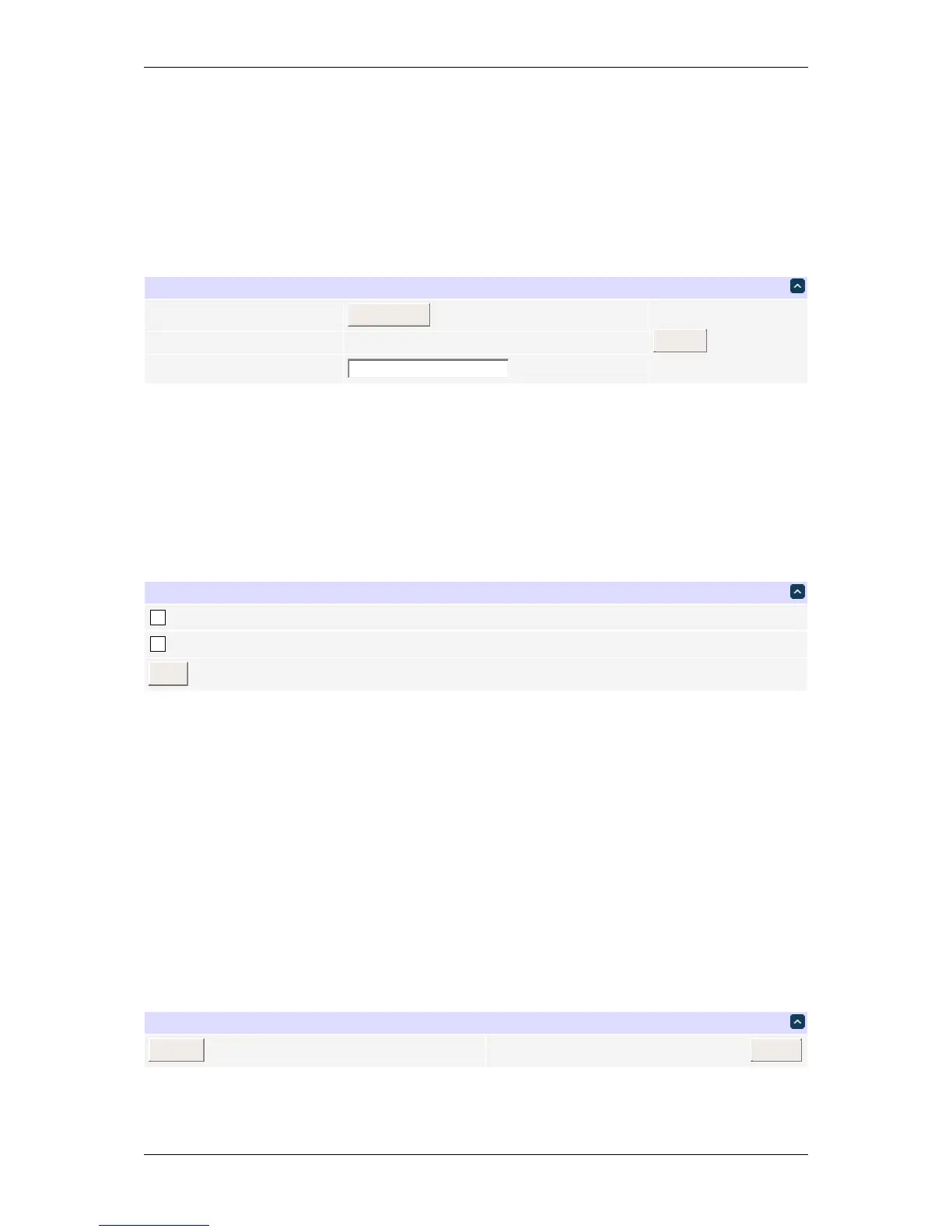
Firmware upload page
You can upload a file or specify a URI where it can be downloaded from. Be sure to disable the same subnet
restriction if you intend to download firmware from a server not in your local network.
By default, the unit beeps and blinks during update. You can disable this using the following form.
Firmware update configuration page
You may protect the current firmware from modification. Pressing the hardware reset button will be required to
unlock.
12.2 Committing the firmware upgrade
After the firmware has been uploaded, you are presented with a form to perform the upgrade.
FirmwarecheckOK
Upgradingfrom1.3.1.0to1.3.2.0.
Firmware upgrade page
DLI DIN4 User’s Guide: 20170809T111540Z



 To Next Page