EasyManua.ls Logo

DLI DIN4 - 14 AutoPing; 14.1 Common Configuration

Default Icon
57 pages
Print Icon
To Next Page IconTo Next Page
To Previous Page IconTo Previous Page
Loading...
13 Date/time 43
13 Date/time
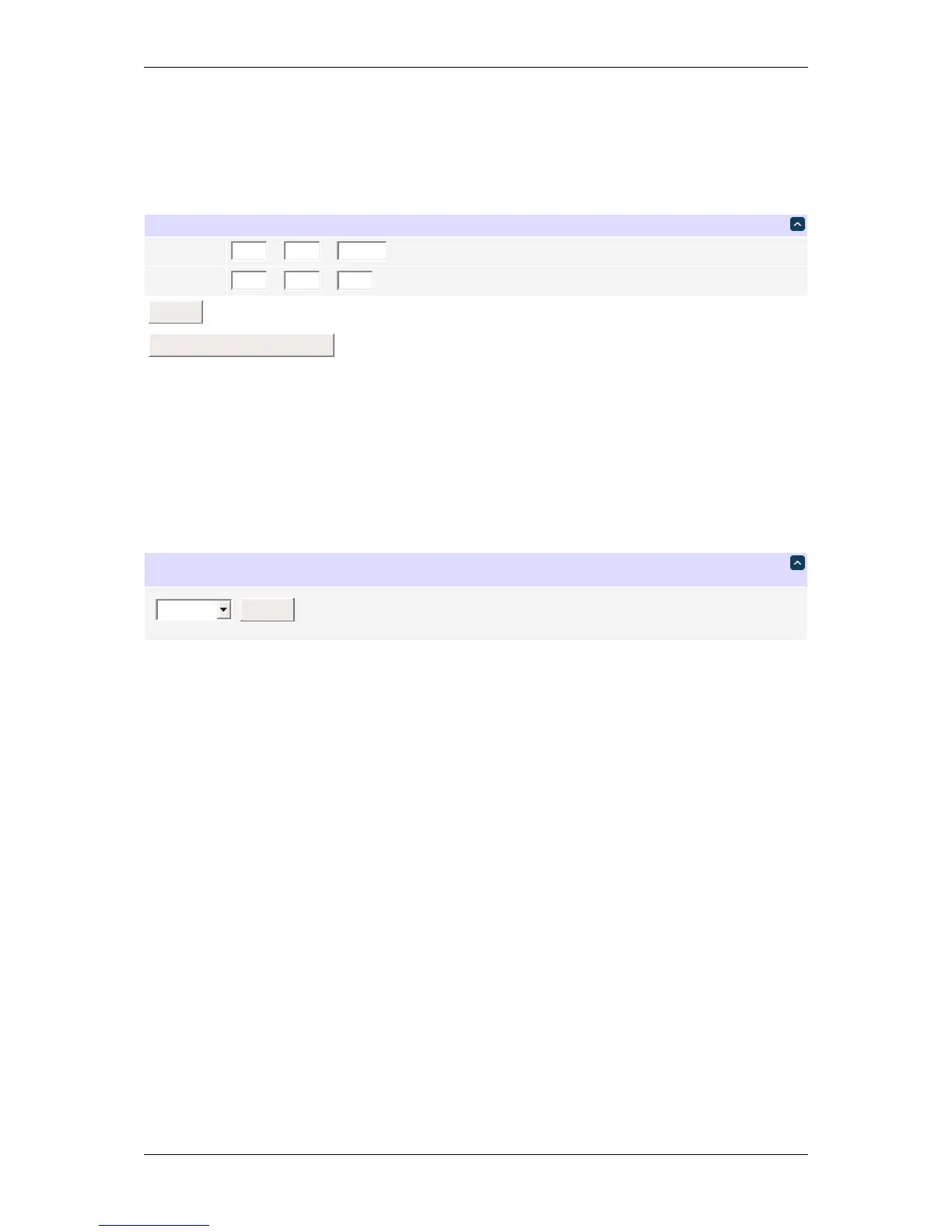
The Date / Time page allows the administrator to set the internal clock and time zone. The clock may be set within
the browser or synchronized with an NTP server.
DateandTime
Date
6
/
15
/
2016
(MM/DD/YYYY)
Time
14
:
1
:
57
(HH:MM:SS)
Submit
SyncwithComputerClock
Date/time
The default OpenWrt configuration is to use the NTP servers (0|1|2|3).openwrt.pool.ntp.org. See
Scripting scripting to perform manual synchronization.
The preferred time zone can be customized as well.
TimeZone
UTC+3
Submit
Timezone
The selected timezone is used for header date/time display and formatting time in plots.
Internally, the time zone is stored in a format different from the display (it has a different meaning for + and -). You
should take that into account when interpreting related REST API values and log output.
DLI DIN4 User’s Guide: 20170809T111540Z