9 Customization page 33
9 Customization page
The customization page allows the administrator to configure some user interface aspects of controller behavior.
9.1 Web page layout and branding
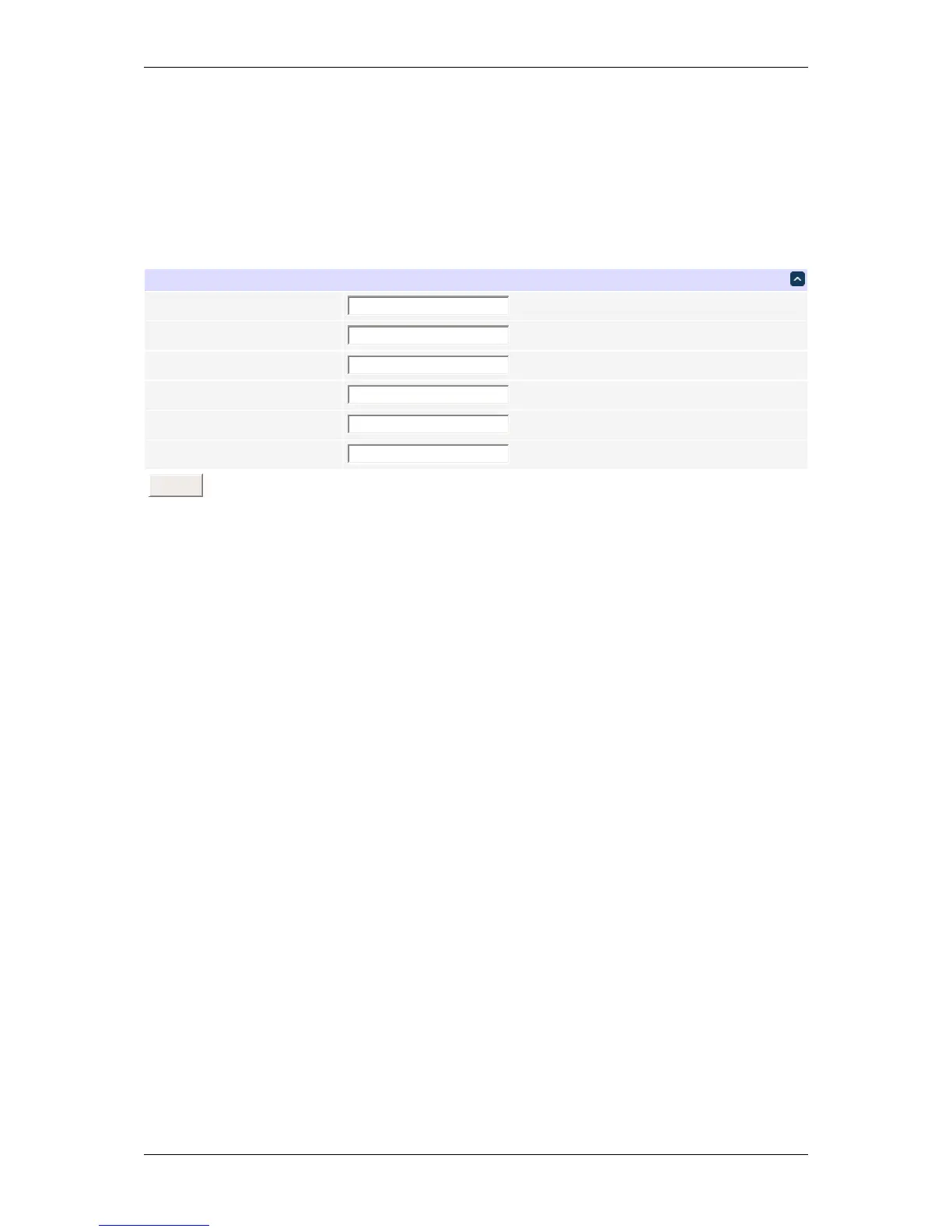
Layout and branding settings
The branding block that appears on every web page can be customized:
• Product name: the displayed name of the product;
• Logo: the company logo image URL;
• Product URL: the URL that the image points to.
Custom logo dimensions may be supplied if needed. The logo URL may be absolute or relative (e.g. /my_←-
company.png), in which case the related file should be placed in the /www/static/ subdirectory of the unit's
filesystem (probably via SSH).
Company name affects the alternative text for the logo image.
DLI DIN4 User’s Guide: 20170809T111540Z



 To Next Page