40 CONTENTS
11 Backing up settings
The setting backup/restore system operates on a file level. It allows saving and restoring most configuration items,
including those which have been done manually, e.g. via SSH. Settings can be backed up and restored selectively.
(cancontainsensitivedata)
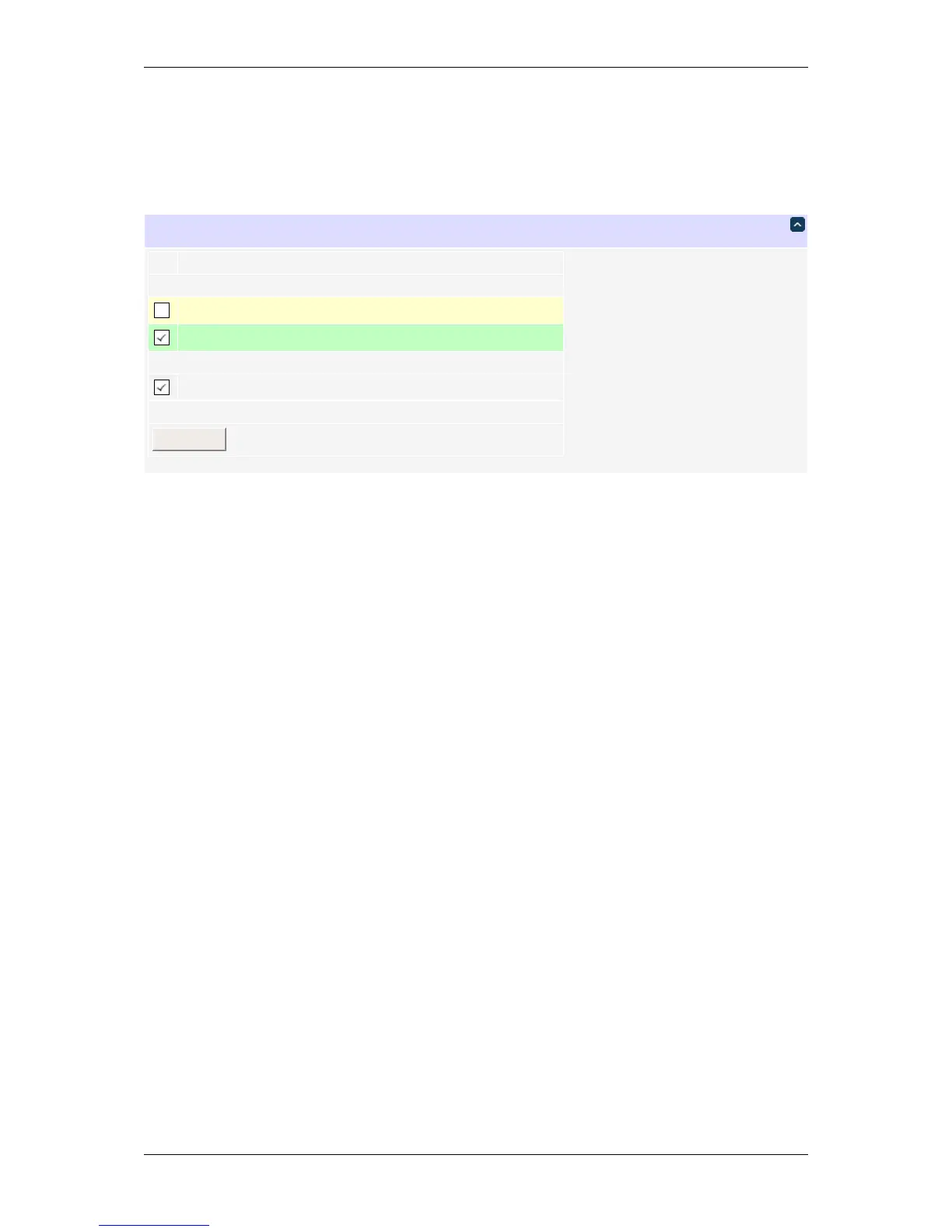
Backup setting selection (sample)
Modified files are highlighted in green. Choose the setting files you want to save (unknown files are shown as "File
"+filename) and click "Download".
You may protect the security-sensitive parts of the configuration from being stored in a backup. Pressing the
hardware reset button will be required to unlock.
DLI DIN4 User’s Guide: 20170809T111540Z



 To Next Page