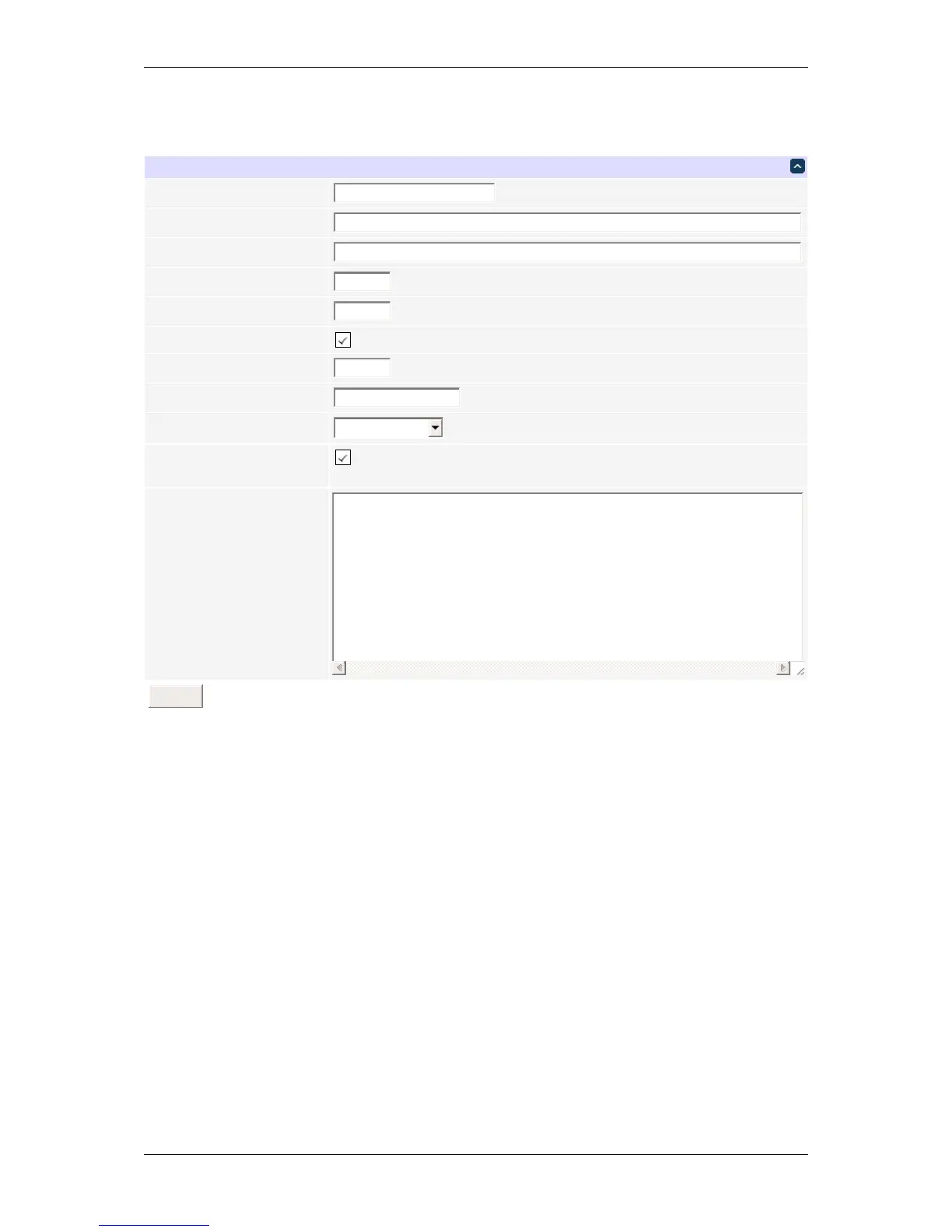
General network settings
You can adjust the HTTP and HTTPS port bindings. If left empty, the corresponding service is not accessible. It
may be a good idea to disable HTTP if HTTPS satisfies your needs. Disabling both for security is possible; you can
use the LCD and keypad, or SSH to re-enable them if needed.
Enabling SSH will allow full control over the device, possibly bypassing most of the restrictions, e.g. setting protec-
tion. The SSH port is customizable as well. The SSH server also accepts public key authentication for a configurable
set of keys (the format is the same as in the authorized_keys file).
You can limit the severity of the locally recorded log messages by setting a minimal severity. Note that the local
log is circular, with old messages being replaced by newer ones; messages aren't persisted across reboots. For
persistent storage, you can configure the unit to send the system log to a syslog server. All messages, regardless
of severity, are sent; the receiver is expected to do the filtering.
Same subnet restriction can used to prevent remote access from outside. ONLY MACHINES IN THE SAME SUB←-
NET WILL CONNECT AFTER ENABLING THIS. If connectivity is lost, use a local connection such as a laptop with
a crossover cable to restore your original network settings; you can also use the LCD and keypad for that.
DLI DIN4 User’s Guide: 20170809T111540Z



 To Next Page