6 Setup page 17
6.6 Access control
The administrator's username and password can (and should) be changed from the default values. Note that you
need to provide the current password for confirmation.
Administrator credentials
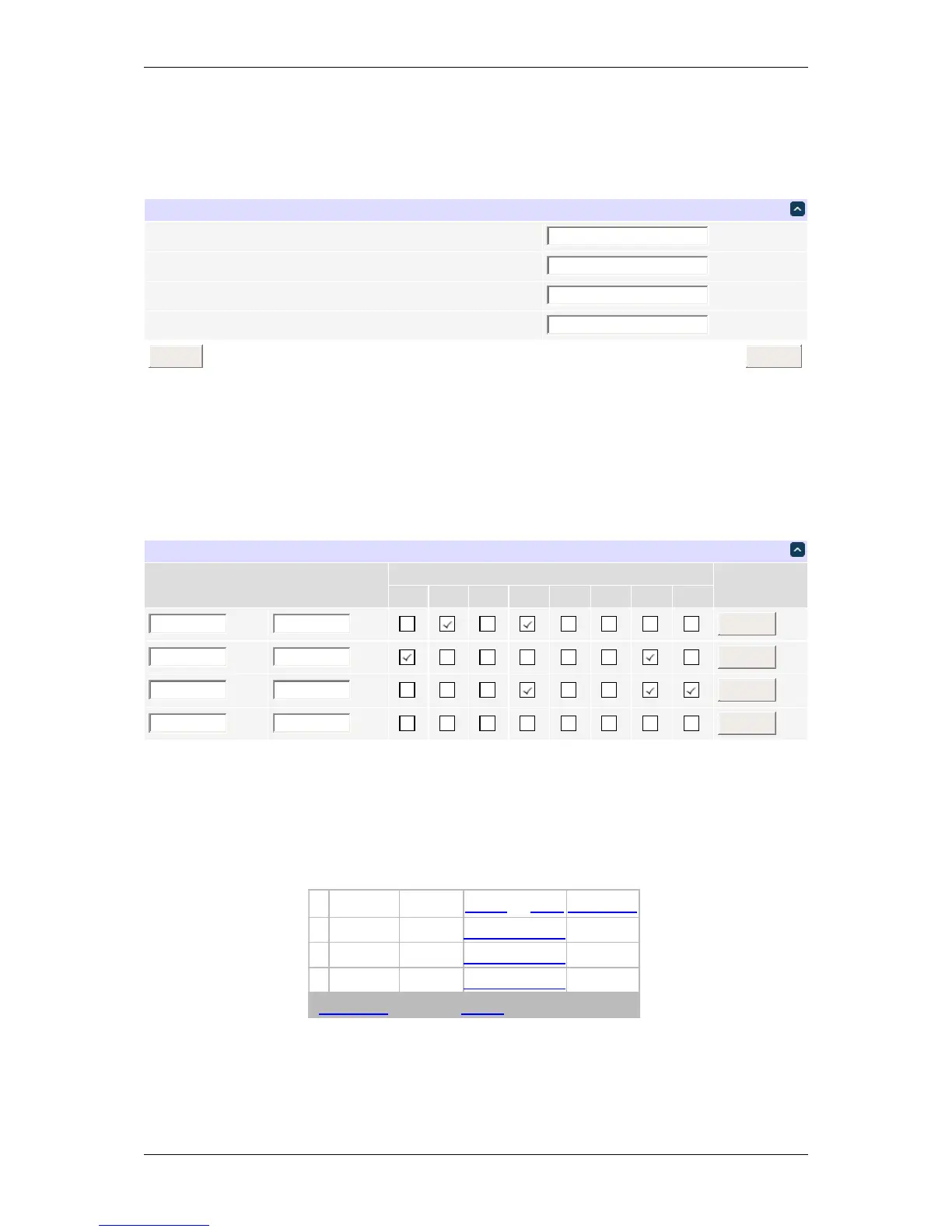
In addition to the administrator, any number of users with individual passwords and relay permissions may be
configured on the setup page. Only the administrator can edit user names and passwords (users can only inspect
and switch relays).
User access control
Checkboxes to the right of each user name relay control access privileges. Users can only see and interact with the
chosen relays. For example, user 'harry' would see the following on login:
# Name State OFF/ON CYCLE
1 Relay4OFF SwitchON
3 Relay7OFF SwitchON
4 Relay8OFF SwitchON
Logout Help 3sec.
User relay control screen
Individual relays can be manipulated as usual. The top links allow switching all accessible relays on, off or cycling
them.
DLI DIN4 User’s Guide: 20170809T111540Z



 To Next Page