16
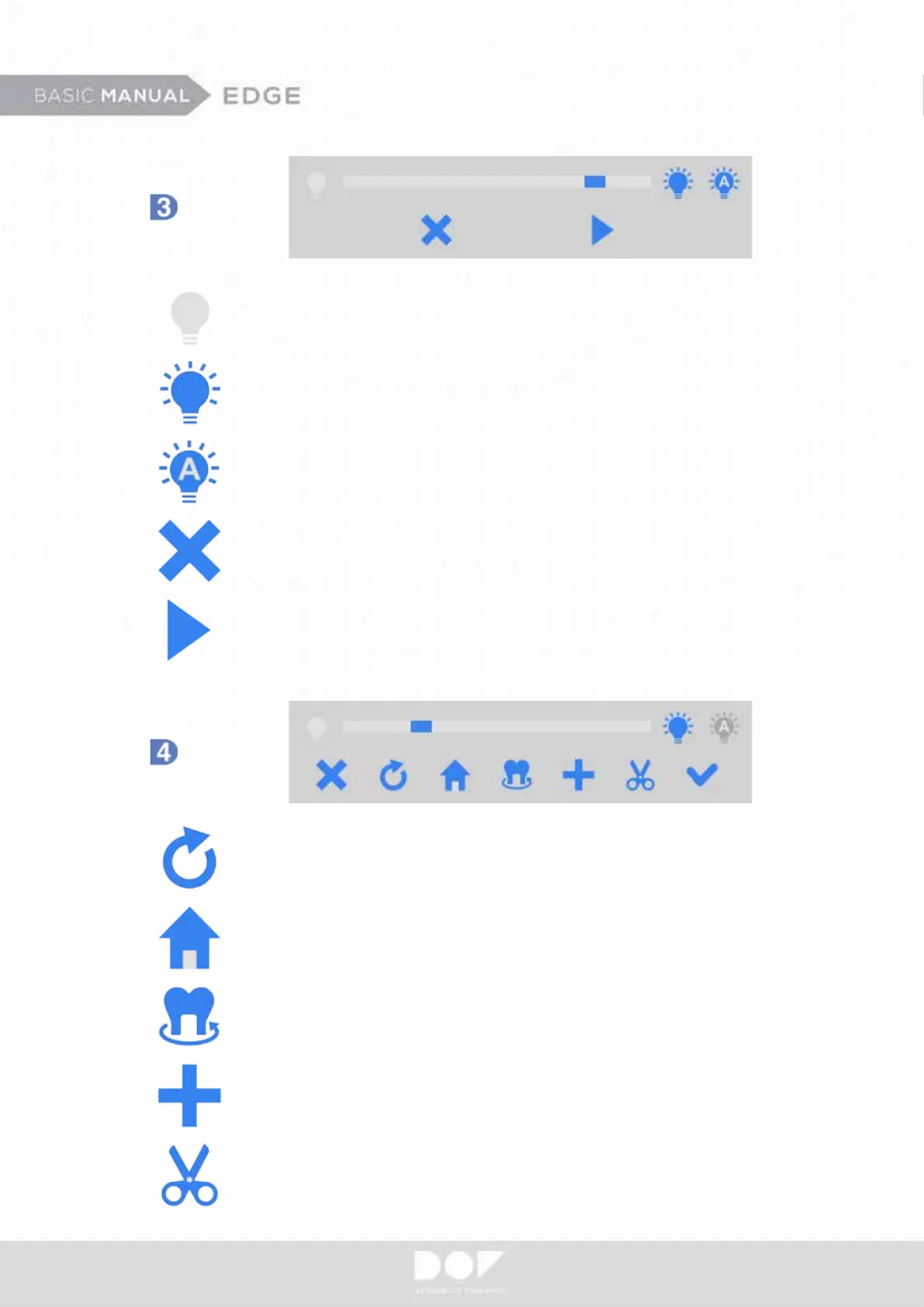
Dark - Incremental adjustment of brightness.
Bright – Incremental adjustment of brightness.
Auto Exposure
Cancel
Scan
Home - Repositions rotating arm/stage to default degree.
Edit - Trims undesired data.
Preview - Allows users to check how much models will be
exposed to camera exposure.
Rescan - Automatically deletes current scanned data for
another attempt.
Scan Additional
Camera
Scan


 To Next Page