23
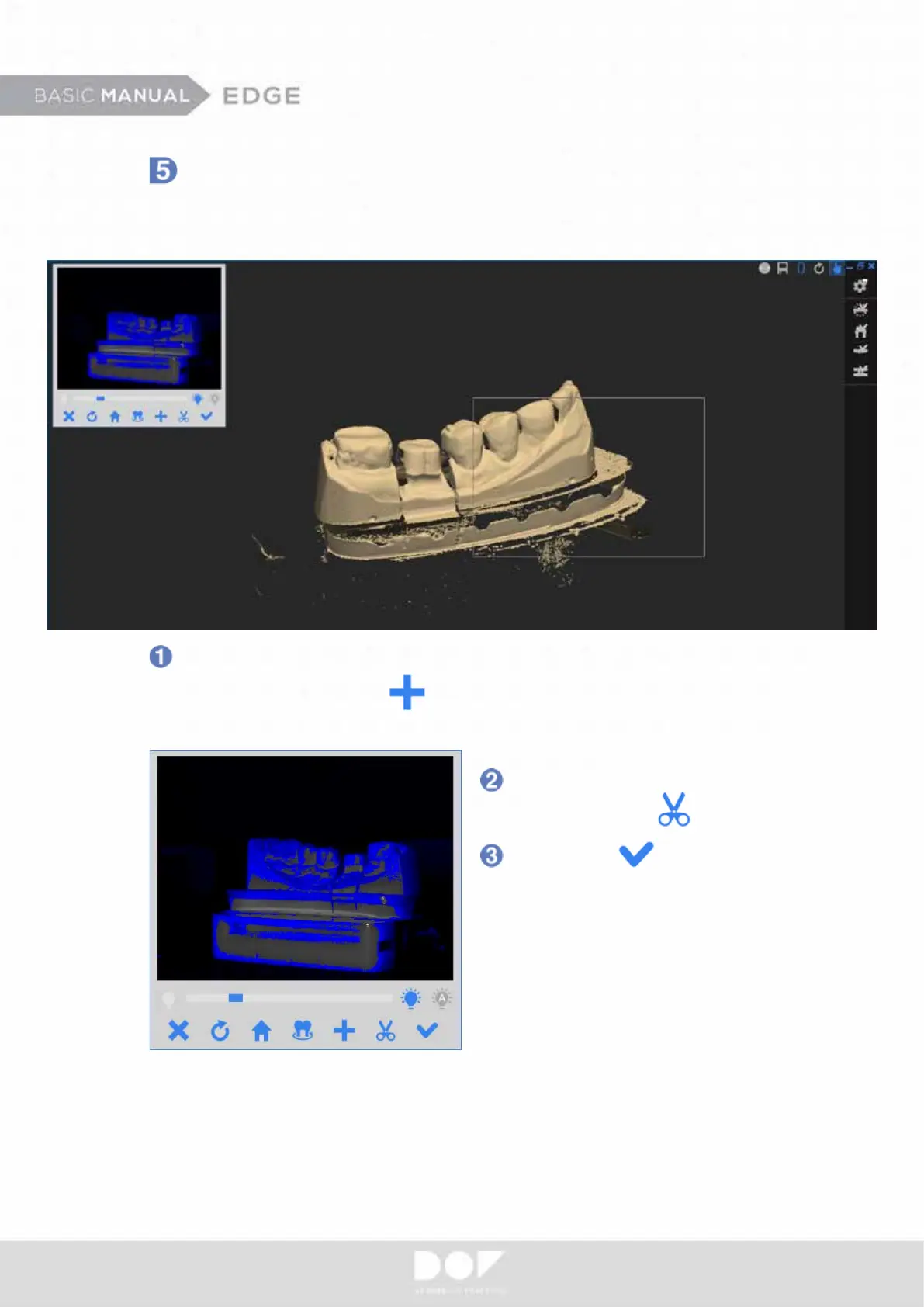
Click “Okay” after nishing
the scan.
Supplemental Scanning
- Drag desired additional scan area and release the mouse button for scanning.
- Click “Scan Additional” to scan the view you are looking at.
- Press “S“ of the keyboard to scan the view you are looking at as well.
After each batch of scanning, there are two ways to ll in more data to your scan.
Rotate and position the 3D data so that you are able to see the missing area.
Delete unnecessary scan data
by clicking “Edit”


 To Next Page