44 Dolby
®
DP600 Program Optimizer Manual
Using the DP600
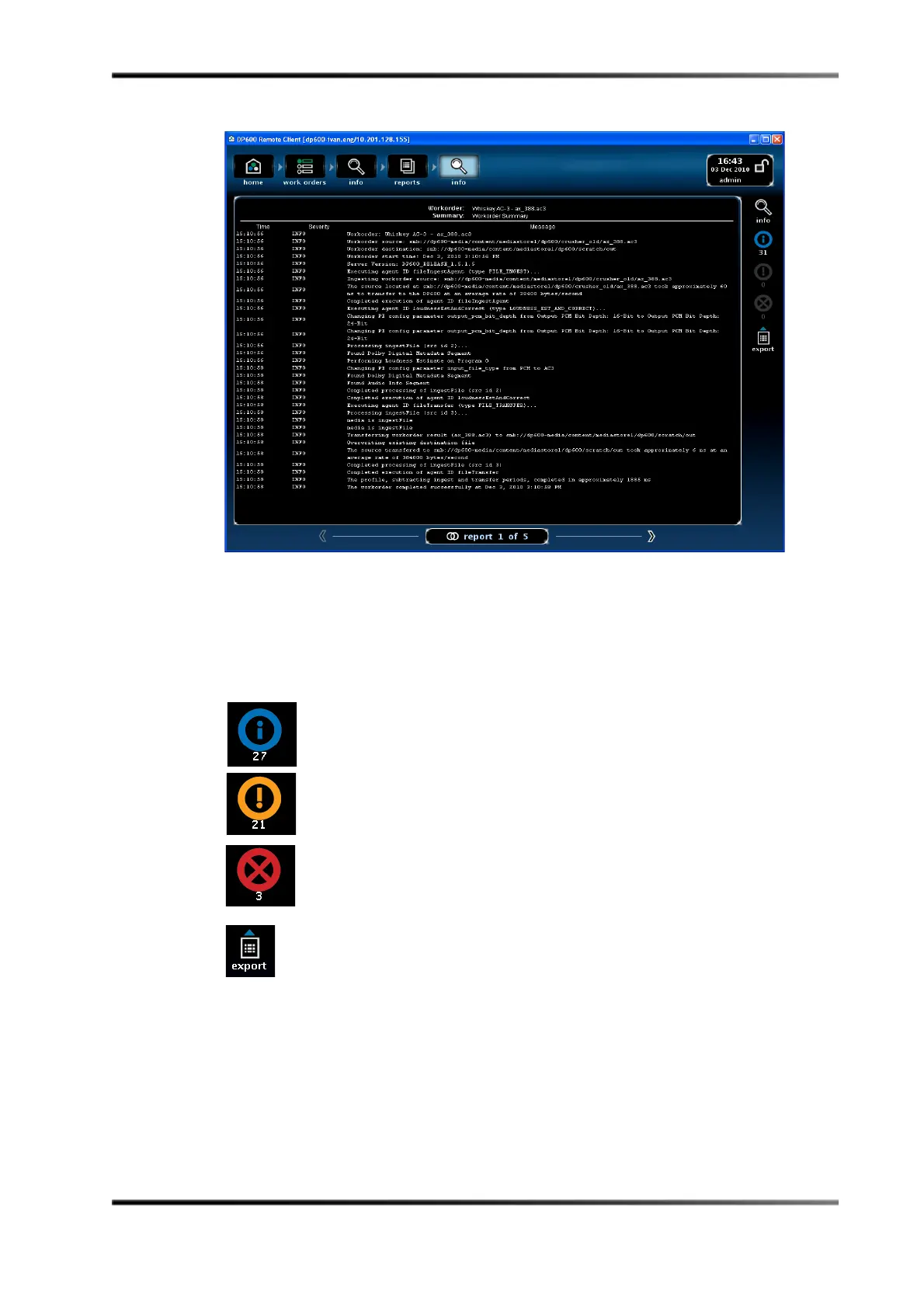
Figure 2-49
Figure 2-49 Detailed Report Displayed in Reports Info Screen
Whenyoupressorclickanyofthelowerfouricons,onlyworkorderreportsassociated
withthaticonappear.Whenyoupressorclickagainonthesameicon,thistypeofreport
nolongerappears.Ifyouclickmorethanoneicon,therespectivereportsappear,
correspondingtoall
theselectedicons.Followingisadescriptionofeachoftheseicons.
Selectingthisicondisplaysanyworkorderreportsthatcontaininformation,
butnowarningsorerrors.
Selectingthisicondisplaysanyworkorderreportsthatcontainwarnings.
Selectingthisicondisplaysanyworkorderreportsthatcontainerrors.
Whenyou
clickonaworkorderreport,andthenclickthisicon(displayed
onlyintheDP600Client),thesystemsavesatextfileofthereporttothe
desiredlocationonyourPC.Aconfirmationdialogboxappearswhereyou
enterthedesirednameandpath,andthenclick
ok,asshowninFigure 2 ‐50.



 To Next Page