Reconfiguring the System
Dolby
®
DP600 Program Optimizer Manual 85
4. Press
network intheconfig screen.
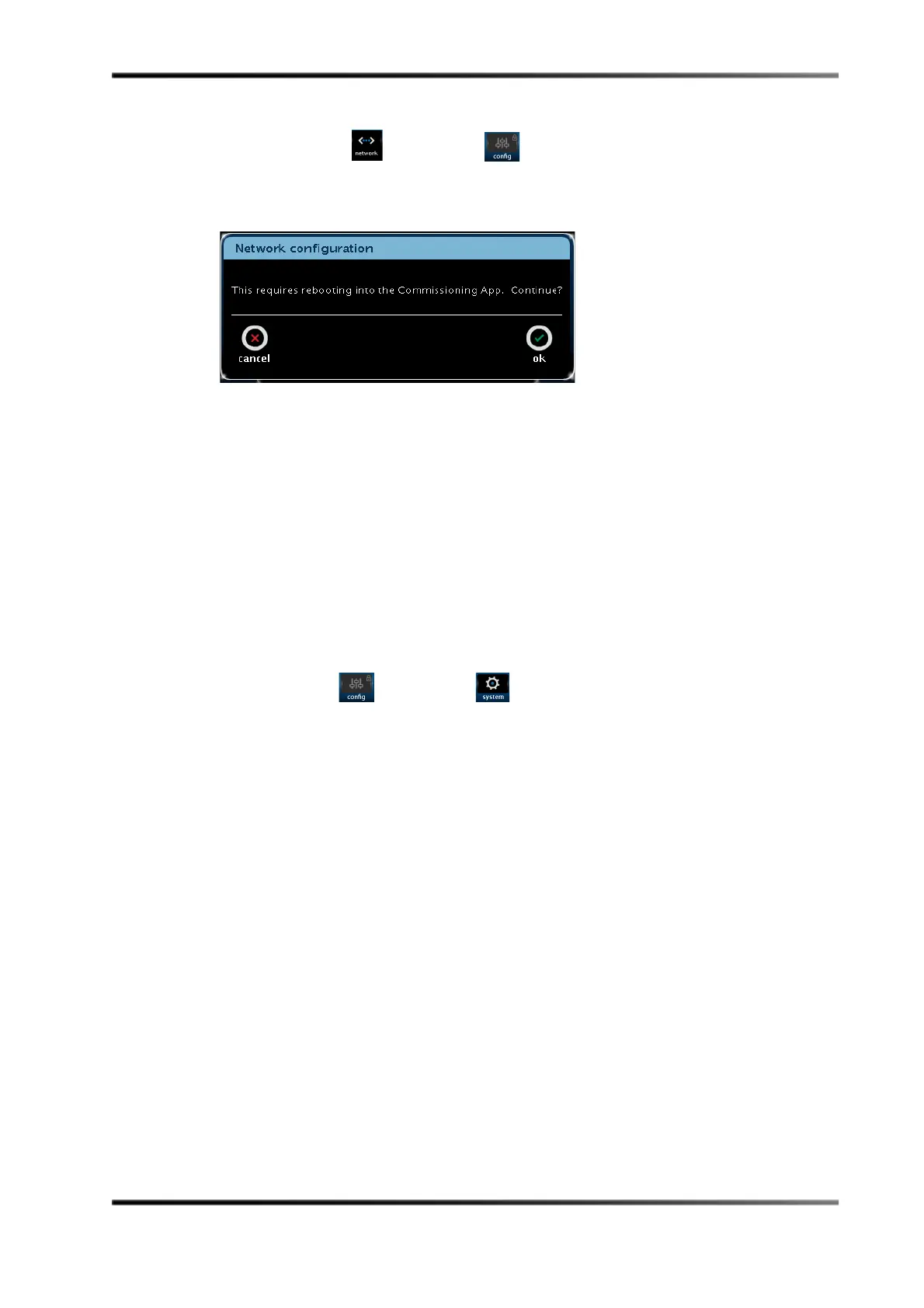
Apromptappears,informingyouthat thesystemneedstorebootandreturntothe
commissioningapplication,asshowninFigure C‐9.
FigureC‐9
Figure C-9 Date & Time Reboot Screen
5. Pressoktoreturntothecommissioningapplication,thenpagethroughthescreens
untilyoudisplaythe
network settings.
Thisscreenissimilartothe
network configuration dialogboxinFigure 2‐5.
6. Changethenetworksettings,thenpagethroughthescreensandpressthe
finish
button.
7. Thesystemautomaticallyrebootswithyournewsettings.
Reconfiguring the Date & Time Settings
Toreconfigurethedate & time settings,usethetouchscreenasfollows:
1. Press
config inthesystem screen.
The
configscreenappears,asshowninFigure C‐8.Inthisscreen,youcanreconfigure
your
date & timesettings,ifrequired.
2. Press
date & time intheconfig screen.
Apromptappears,informingyouthat thesystemneedstorebootandreturntothe
commissioningapplication(similartothepromptinFigure C‐9).
3. Press
oktoreturntothecommissioningapplication,thenpagethroughthescreens
untilyoudisplaythe
date & time settings.
Thisscreenissimilartothe
date & time screeninFigure 2‐12.
4. Changethedateandtimesettings,thenpagethroughthescreensandpressthe
finish
button.
Thesystemautomaticallyrebootswithyournewsettings.



 To Next Page