20 Dolby
®
Digital Cinema System Manual Issue 0.92 (Preliminary)
Installing a Dolby Digital Cinema System
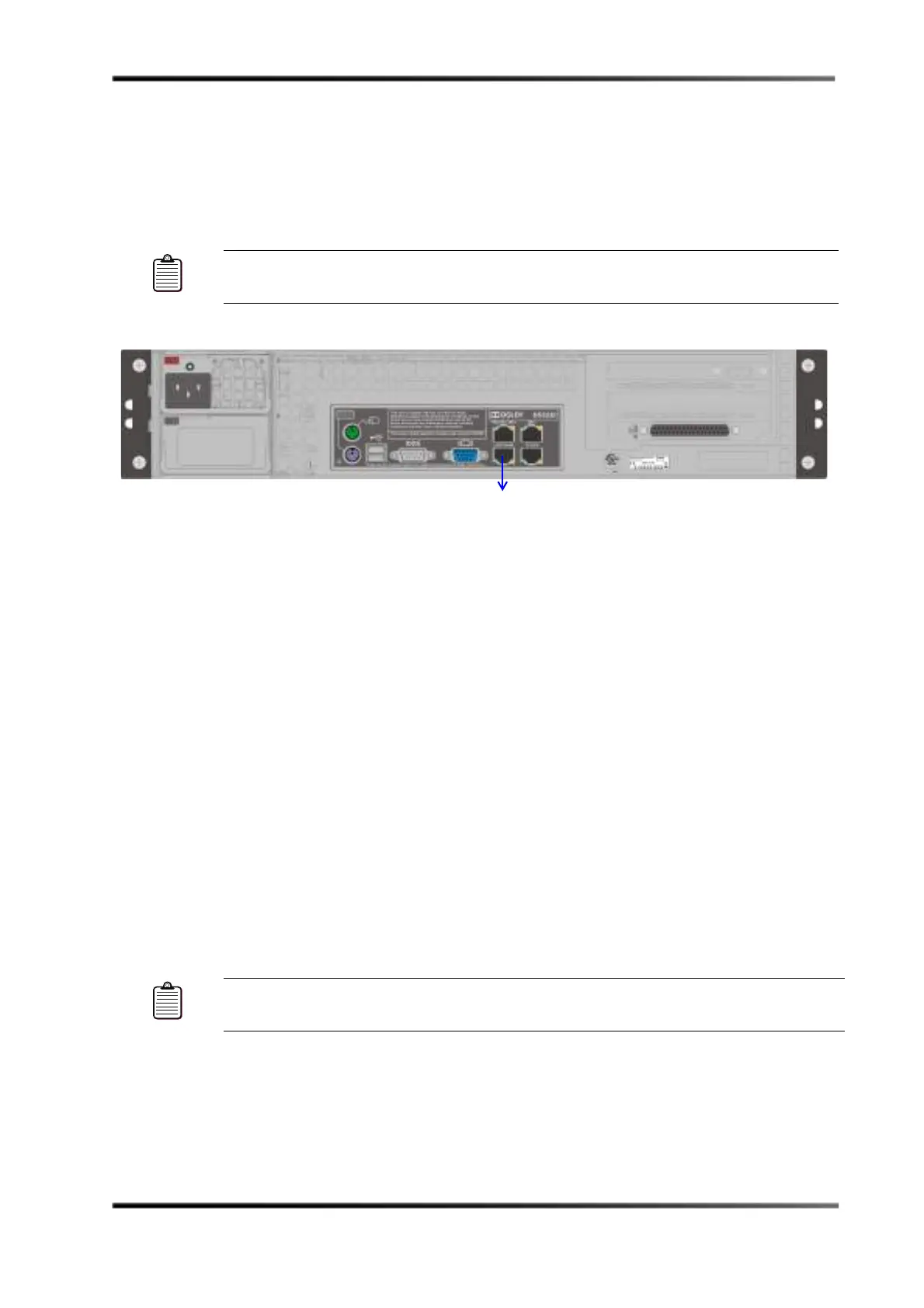
3.3.5 Connect DSS220 to Auditorium Network
To connect the DSS220 to the screen’s auditorium network, connect one end of a CAT5e (or
greater) Ethernet cable to the DSS220
1000BASE-T AUDITORIUM port, then connect the
other end of the cable to the auditorium’s 1000Base-T switch.
Figure 3-8
Figure 3-8 Connecting the DSS220 to the Auditorium Network
3.3.6 Connect Theatre Automation
You can use Dolby Show Manager software to control a theatre automation system using
one of the following options:
• Connect a Dolby NA10 (if present) to the local auditorium switch and theatre
automation system.
• Connect the Dolby DSS220 RS-232 serial port to a programmable logic controller (or
other device) connected to the theatre automation system.
• Connect the DSS220 GPI/O port to a contact closure theatre automation system.
For information on using Show Manager, refer to the Show Manager online help system.
Connecting a Dolby NA10 to the Theatre Automation System
You can use a 50-foot CAT5e (or better) Ethernet cable to connect an NA10 to the screen’s
auditorium 1000Base-T switch. For details, see the separate Dolby NA10 Installation Manual.
The NA10 manual also explains how to interface the NA10 with the screen’s existing
automation system.
Connecting the DSS220 Serial Port to the Theatre Automation System
You can use the DSS220 serial port to connect to a theatre automation system that is capable
of utilizing a serial connection (for serial pinouts, see the wiring diagrams in Figure 3-22.
For this type of configuration, an additional unit, such as a programmable logic controller
Note: Be sure the bend radius for each side of the CAT5e cable is not less than one inch
(25 mm).
Note: Be sure the bend radius for each side of the CAT5e cable is not less than one inch
(25 mm).
.



 To Next Page