Material damage can be caused by incorrect connection.
Observe the terminal allocation of the devices.
Ensure that the device is connected in line with the wiring
diagram.
Ensure that there is a suitable power supply.
Set the DIP switches to the appropriate position.
Make sure that the maximum cable resistance and maximum cable length
are not exceeded.
ENiQ/ELS/DOM Tapkey ACM, RF Net Manager potential-free switch/button, control
unit inputs
Actuators (door openers, etc.) are controlled by the device by means of a
potential-free relay changeover contact. One potential-free opener contact (C-
Ö) and one potential-free closer contact (C-S) are available.
You can connect potential-free switches or buttons to the inputs. These inputs
must be occupied according to the stored configuration. The standard
configuration is factory-set. Input IN1 is the door contact (opener) and input
IN2 the release button (closer).
Terminal assignment for the devices
Material damage can be caused by incorrect connection.
Observe the terminal allocation of the devices.
Ensure that the device is connected in line with the wiring
diagram.
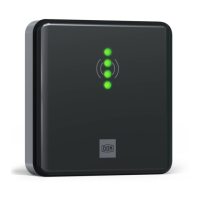
The terminals must be allocated in line with the diagram below:


 To Next Page