Installing an external reader and connecting it to Access Manager
(control unit)
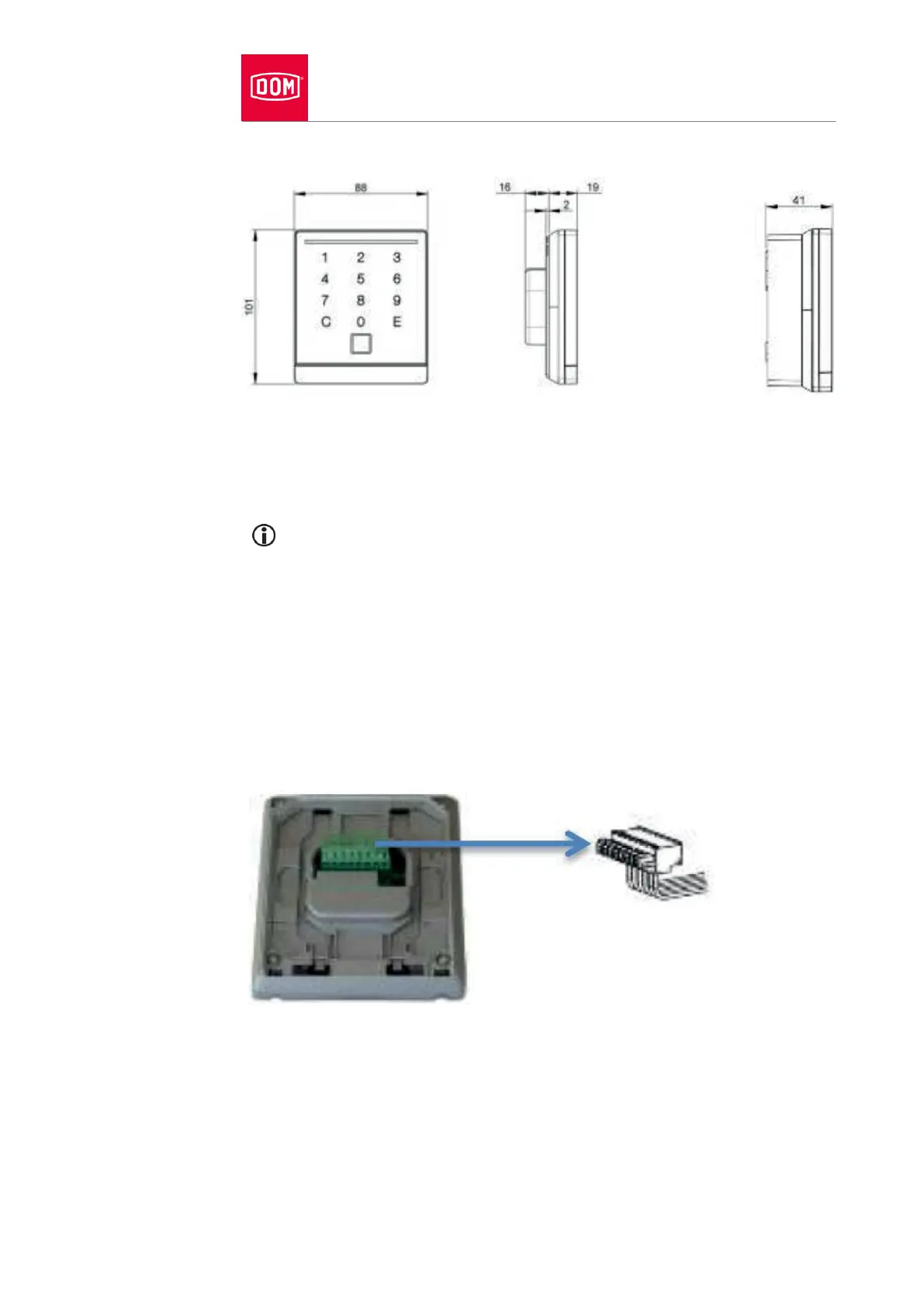
Dimensions
Preparing installation
The respective wiring diagram is included in the scope of supply.
First lay the necessary connecting cables.
Observe and follow the generally applicable VDE regulations when doing
so.
Prepare the connection cables for connection.
Pull the 8-pin terminal away from the reader module.
Make sure that there is no voltage present.
Connect the connection cables according to the corresponding wiring
diagram.


 To Next Page