20
E. Switching From Fahrenheit to Celsius
Display units can only be changed while a CT thermostat is connected.
The displayed temperature units will only be changed on the mobile device, and NOT on
the CT thermostat device itself. To change the CT thermostat device display see instruc-
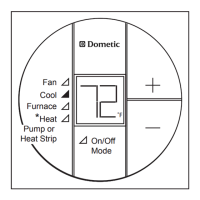
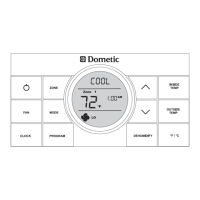
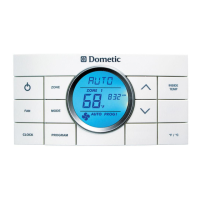
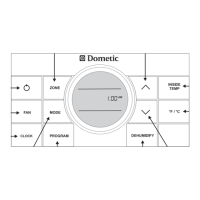
tions for changing the display units on the CT thermostat.
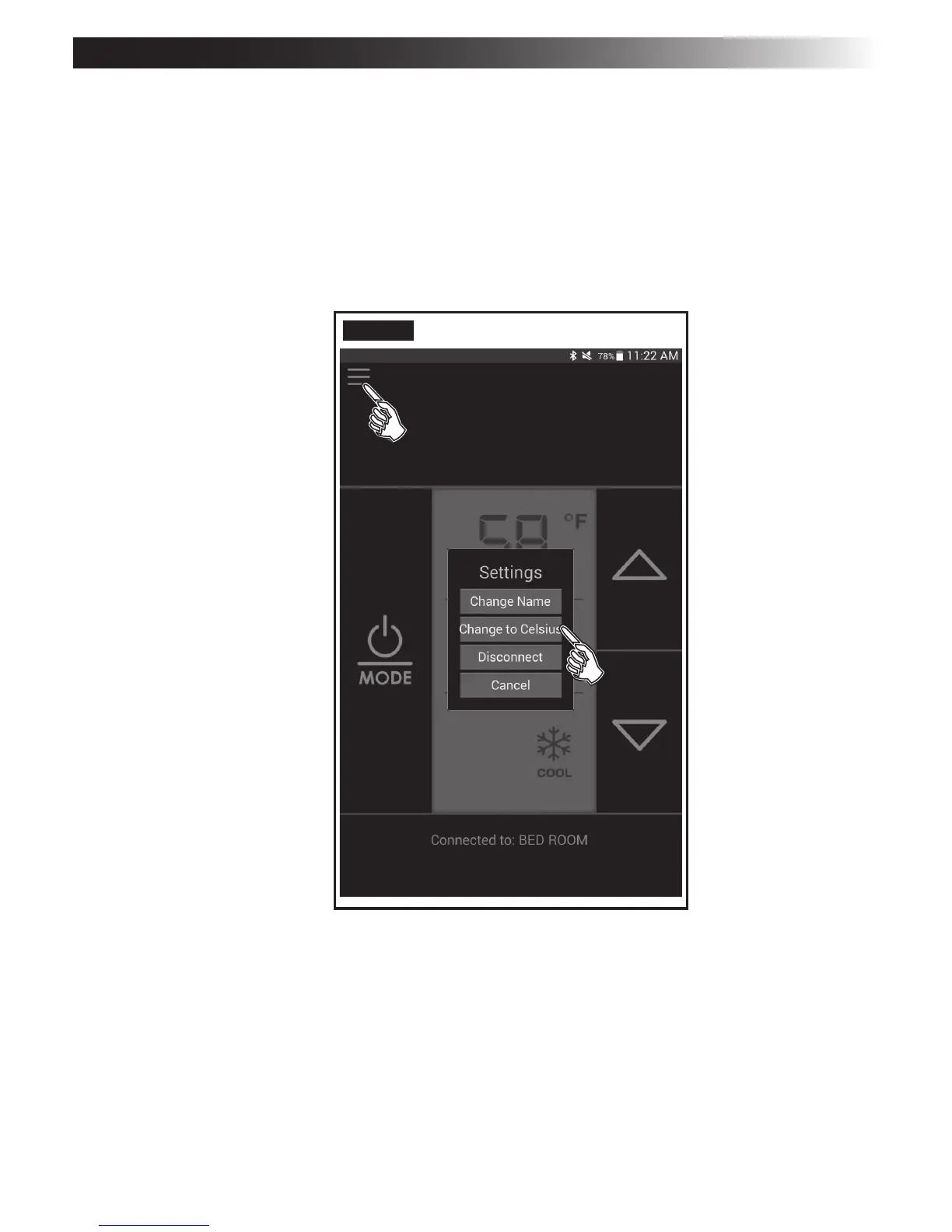
1. Select the top-left corner of the app to access the Settings menu. See FIG. 21.
2. Choose Change to Celsius/Fahrenheit.
FIG. 21
BLUETOOTH
®
PROGRAMMING AND OPERATION


 To Next Page
 Loading...