Dometic CA1000 Cleaning and caring for the roof air conditioner
25
8 Cleaning and caring for the roof air
conditioner
a
Caution – risk of damage
z Do not clean the roof air conditioner with a high-pressure clean-
er. Exposure to water can damage the roof air conditioner.
z Do not use sharp or hard objects or cleaning agents for cleaning
as these may damage the device.
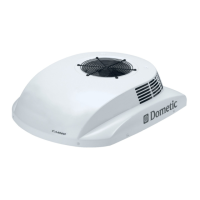
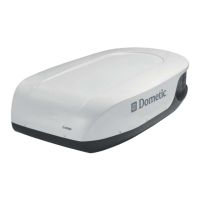
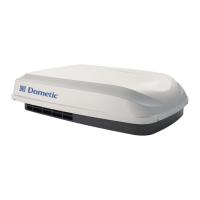
➤ Clean the housing of the roof air conditioner and the air outlet unit
occasionally with a damp cloth.
➤ Remove leaves and other dirt from the ventilation grilles of the roof air
conditioner occasionally. Make sure you do not damage the grilles in the
process.
➤ Check the seal between the roof air conditioner and the roof of the vehicle
for cracks and other damage once a year.
9 Troubleshooting
Possible malfunction Cause Remedies
Error message F02:
The system does not
switch on and the dis-
play shows an error
message.
The temperature sen-
sor is not correctly con-
nected.
➤ Switch off the system
➤ Switch it on again af-
ter 10 minutes
➤ If the fault occurs
again, contact an au-
thorised workshop.
Error message F04:
The condensation water
that has formed is not
being discharged, and
an error message
appears in the display.
– The pump is clogged
or defective.
– The condensation
water hose is
clogged.
– The float switch is
defective or jammed.
➤ Contact an author-
ised workshop.
_BA_CA1000.book Seite 25 Donnerstag, 12. Juni 2008 11:42 11



 To Next Page