CB, RHD Operation
13
8.2 Using the cooling device
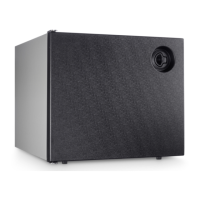
The cooling device conserves fresh foodstuffs. You can conserve frozen foodstuffs
and freeze fresh foodstuffs in the CoolMatic CB36 and CB40 devices.
A
➤ Switch the cooling device on by turning the knob to the right.
I
A
Lock
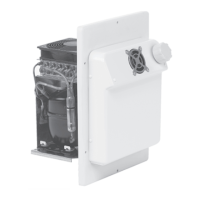
RHD50
To open the cooling device, pull the clip (fig. 5 1, page 4) and open the door.
To lock the cooling device, close the door and press it until the lock engages.
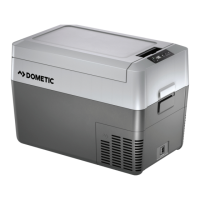
CB36/CB40
The lid rests on top and is not locked.
Setting the temperature
You can set the temperature to any level using the knob. The built-in temperature
control regulates the temperature as follows:
• Min. (left limit) = warmest setting
• Max. (right limit) = coldest setting
I
NOTICE!
Ensure that food or liquids in glass containers are not excessively
refrigerated. Liquids expand when they freeze and can thus destroy the
glass containers.
NOTE
After switching on, the cooling device requires approx. 60 s until the
compressor starts up.
NOTICE!
Ensure that the objects placed in the cooling device are suitable for
cooling to the selected temperature.
NOTE
The cooling capacity can be influenced by
• the ambient temperature,
• the amount of food to be conserved,
• the frequency with which the door/lid is opened.
RHD-CB--O-West.book Seite 13 Dienstag, 29. November 2016 11:52 11





 To Next Page