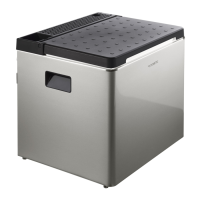
CFX5EN
NOTE When operating with the battery:
• When voltage is < 8V the display switches off automatically.
• When voltage is ≥ 8V and ≤ 12V the display may show “!ALERT - Voltage low” depending on the
battery monitor mode setting.
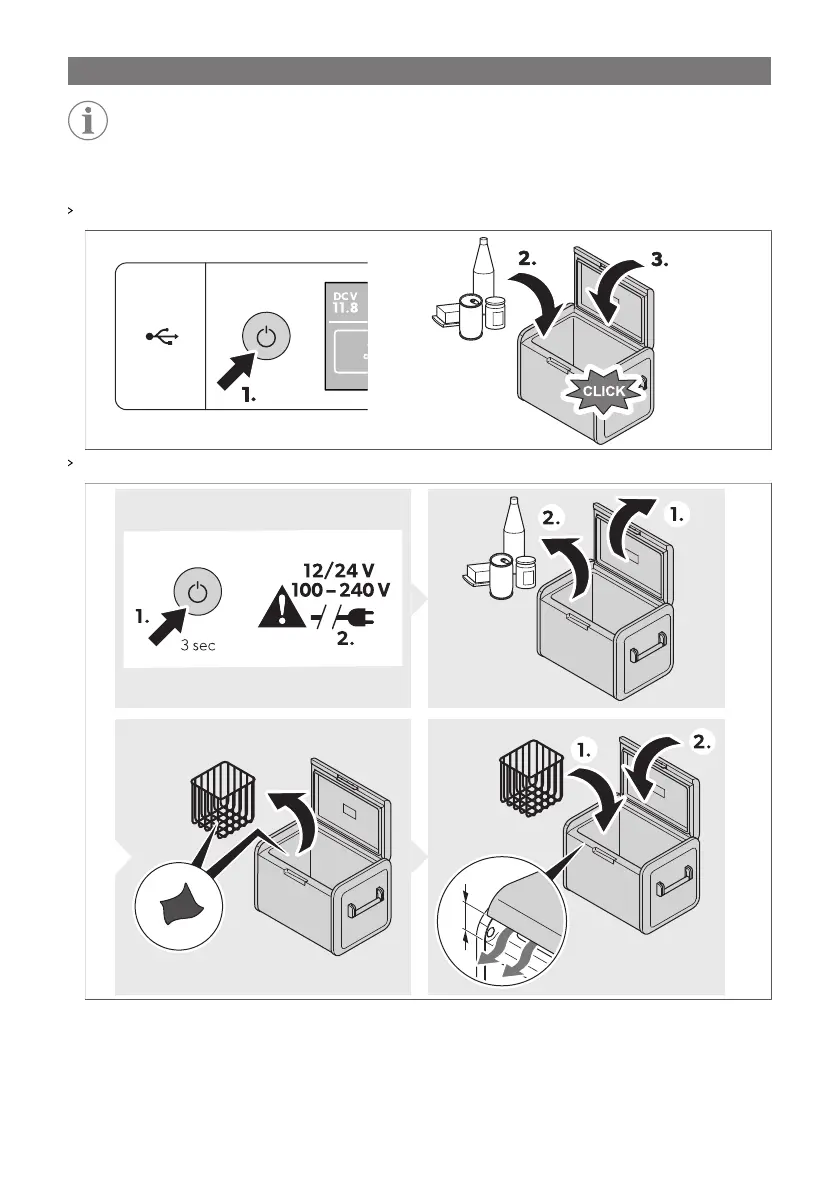
Switch the cooling device on:
Switch the cooling device off:
10.5 Using the display
Display states:
17


 To Next Page