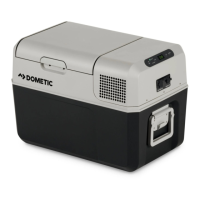
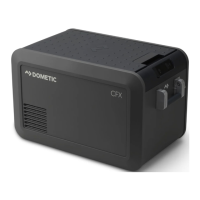
CFX5EN
Ensure that the air inlet and outlet vents on the cooling device are free of any dust and dirt, so that heat can be
released and the cooling device is not damaged.
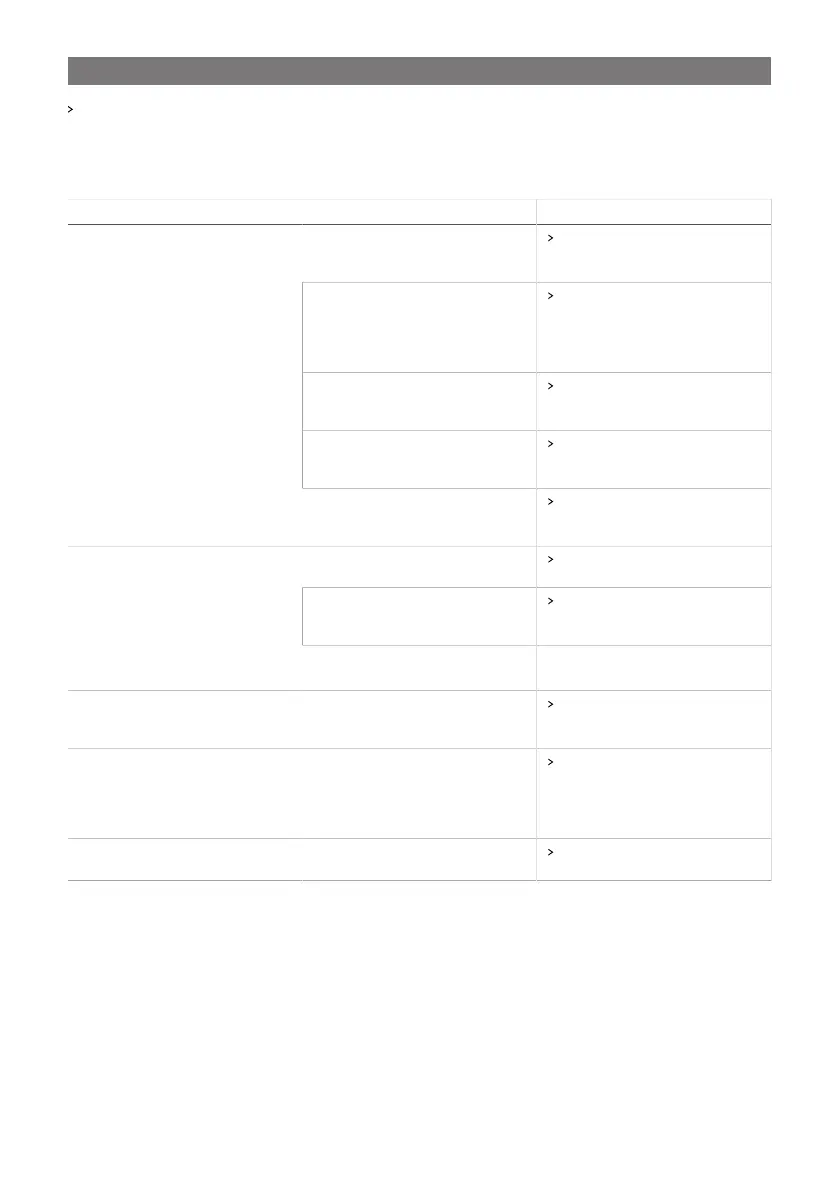
12 Troubleshooting
Problem Possible cause Suggested remedy
No voltage was detected in the DC
power outlet
In most vehicles the ignition must
be turned on before power will be
supplied to the DC power outlet.
The DC outlet is dirty. This results in a
poor electrical contact.
If the plug of the device becomes
very warm in the DC outlet, either
the DC outlet must be cleaned or
the plug has not been assembled
correctly.
The fuse of the DC plug has blown. Replace the defective fuse in the
DC plug, see Replacing the DC
plug fuse on page26.
The device DC fuse has blown. Replace the DC device fuse,
see Replacing the DC fuse on
page26.
The device does not function (DC
mode, ignition on).
The vehicle fuse has blown. Replace the vehicle’s DC outlet
fuse. Refer to your vehicle’s operat-
ing manual.
No voltage was detected in the AC
voltage socket.
Try using another plug outlet.
The device AC fuse has blown. Replace the AC device fuse,
see Replacing the AC fuse on
page25.
Device does not function (AC mode).
The integrated AC adapter is defec-
tive.
This can only be repaired by an autho-
rized repair center.
The display does not respond to key-
strokes.
The display is locked. Unlock the display, see Lock-
ing/unlocking the display on
page19.
The app cannot control the device. Bluetooth or Wi-Fi is not connected. Connect to Bluetooth (see Setting
the Bluetooth signal and connect-
ing to the app on page23) or
connect to Wi-Fi (see Setting the
Wi-Fi signal on page24.
The display shows an alert message or
warning code.
– See the following tables.
12.1 Alert messages
Example:
27


 To Next Page