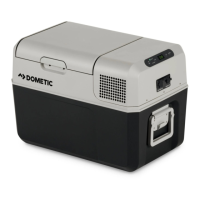
CFX5EN
Changing settings
The highlighted value or setting is selected.
Press to increase the selected value or to choose the previous setting.
Press to decrease the selected value or to choose the next setting.
Returning to the previous menu
Press to return to the previous menu without saving.
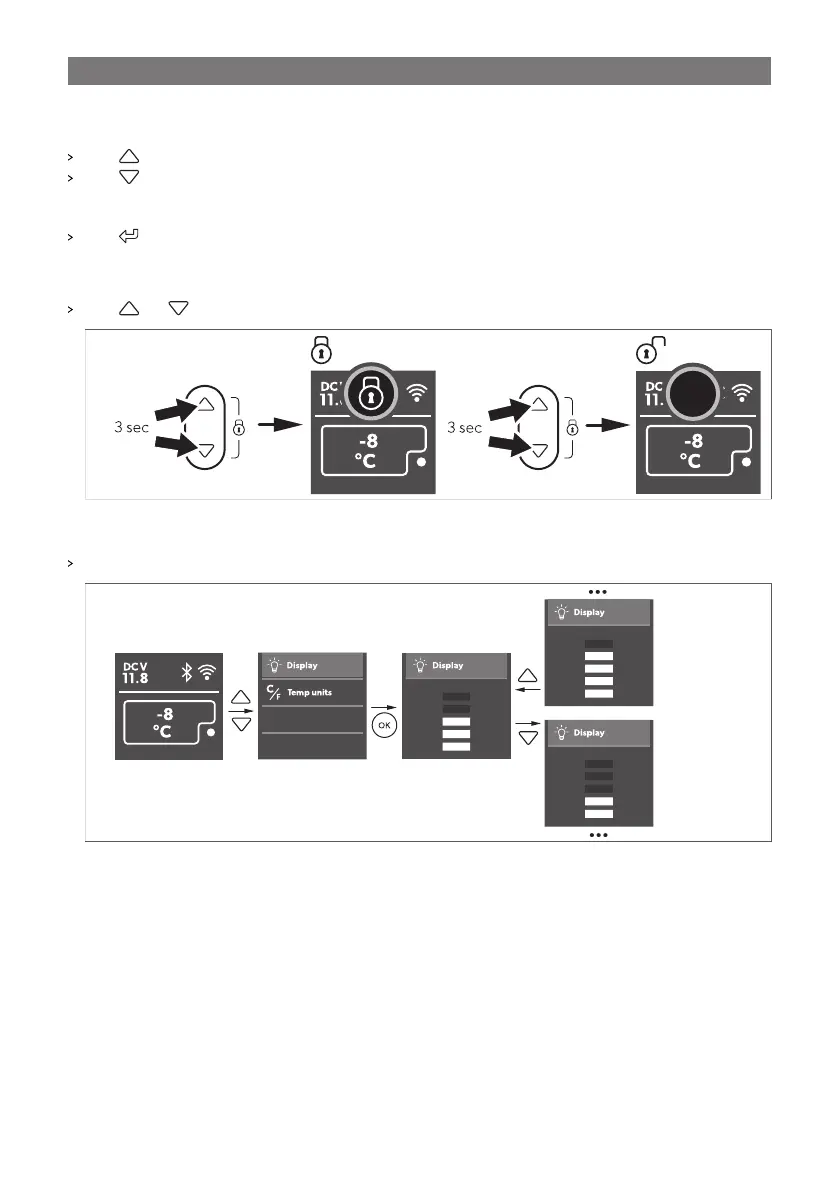
10.6 Locking/unlocking the display
Press and simultaneously for 3s to lock or unlock the display.
10.7 Setting the display brightness
Set the display brightness as shown.
19



 To Next Page