Technical description FreshLight
16
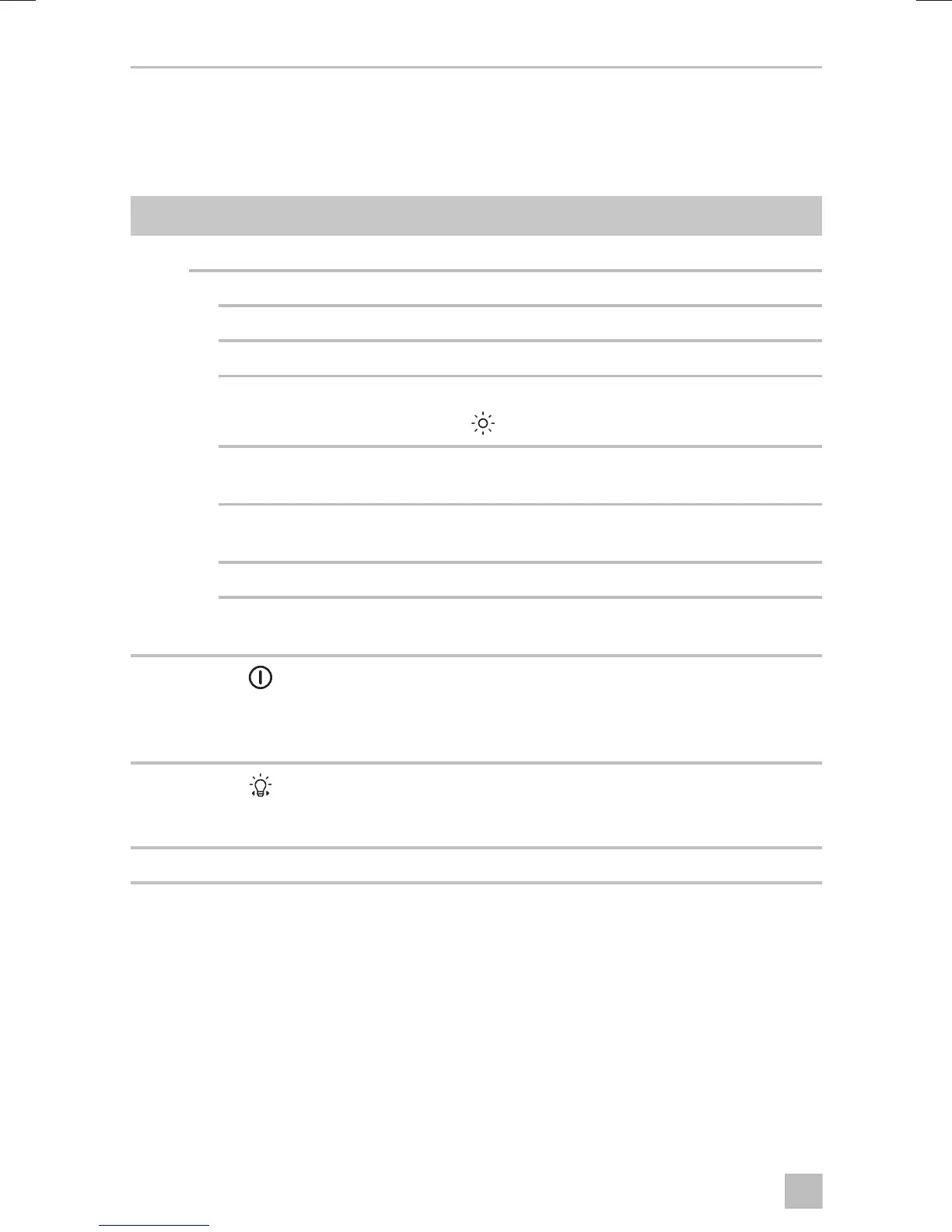
7.2 Control panel
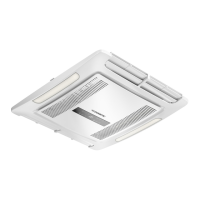
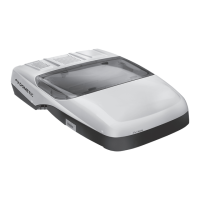
The control panel (fig. 2, page 3) is at the air outlet unit of the roof air conditioner.
It contains the following control and display elements:
No. Explanation
1 Status LED
No light: The roof air conditioner is switched off.
Orange light: The roof air conditioner is in stand-by mode.
Green light: The roof air conditioning is switched on.
Flashing green light: The roof air conditioner is switching to the “Heating”
mode ( ) or is being defrosted.
Red light: Only if the system is connected to 12 Vg: the supply
voltage of 230 Vw is not available.
Slowly flashing red
light:
Malfunction in interior temperature sensor E1
Flashing red light: Malfunction in exterior temperature sensor E2
Quickly flashing red
light:
Malfunction in exterior temperature sensor E3
2
Button
Switches the roof air conditioner on, off or to
stand-by mode
Pressing the button longer engages the automatic
mode.
3
Button
Switches the light on or off.
Only active when the roof air conditioner is switched
on or on stand-by.
4 Infrared receiver for the remote control



 To Next Page