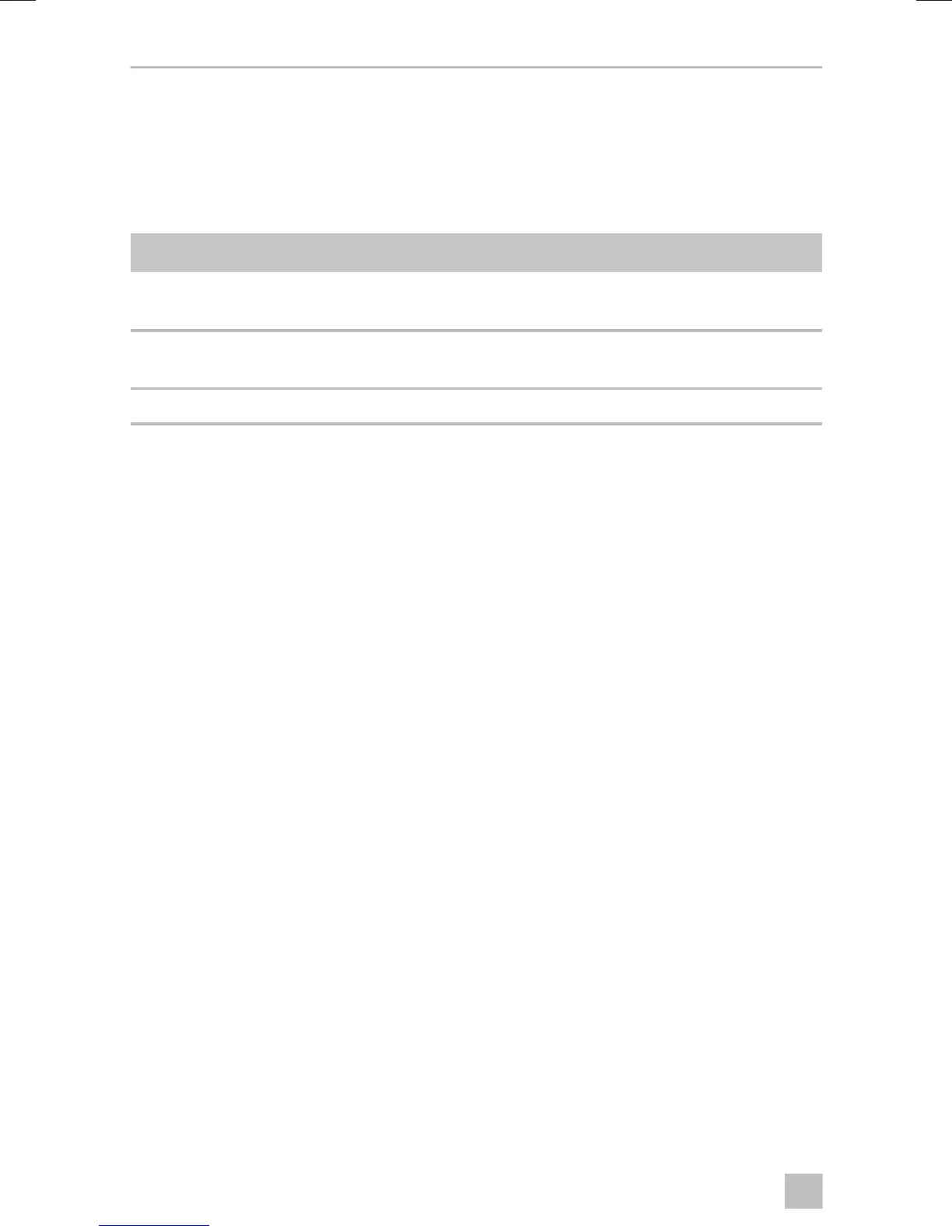
Operating the roof air conditioner FreshLight
22
9 Operating the roof air conditioner
9.1 Basic notes on operation
The roof air conditioner has three operating modes:
You can use the control panel to
• switch the roof air conditioner on, off or to stand-by mode
• switch the light on and off
You can use the remote control to
• switch the roof air conditioner to and from stand-by mode.
• switch the light on and off
• make the settings
• select additional functions
9.2 Using the remote control
There are two ways to control the roof air conditioner with the remote control:
• You can transmit the values directly to the roof air conditioner when you set them
• You can first specify all values on the remote control and then transmit them
collectively to the roof air conditioner
Transmitting values directly when they are set
The remote control must be pointed at the IR receiver (fig. 2 4, page 3) on the
control panel during operation.
When a button is pressed, the value is transmitted directly to the roof air conditioner.
The roof air conditioner confirms the receipt of data with a high note.
Operating mode Features
Off The roof air conditioner is switched off.
The remote control is inactive.
Stand-by The roof air conditioning is ready for operation and can be
switched on with the remote control.
On The roof air conditioner is conditioning the air in the interior.



 To Next Page