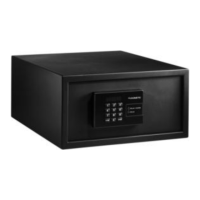
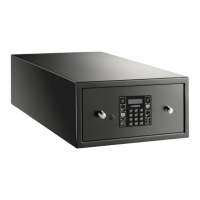
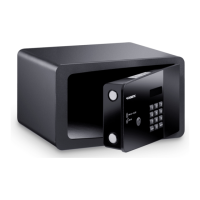
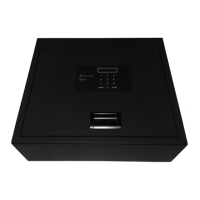
Technical description MD310, MD390, MD450
8
6 Technical description
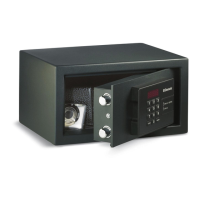
The control panel has a display and a key pad for entering the code. A master key and
a master code are available for opening in an emergency.
The model can be identified from the type plate.
6.1 Control elements
7 Installing safe
7.1 Notes on installation
A
Follow the instructions when installing.
• Carefully check the safe for damage once you have removed it from the
packaging. If there is visible damage, contact the manufacturer (see rear of safe
for addresses).
• Install the safe on a flat and even surface.
• Select a location for installation which is a sufficient distance from heat sources
(e.g. radiators). Avoid installing in locations with temperatures of under 0 °C and
over 45 °C.
No. in
fig. 1,
page 3
Description
1 Display
2Number keys
3 CLOSE button Closes the safe lock after code is entered
4 CLEAR button Cancels the code entered
5 Lock for master key (behind cover)
6 Locking mechanism cover
NOTICE!
The safe must only be installed by qualified specialists.
XSafe-MB.book Seite 8 Freitag, 16. September 2016 1:53 13


 To Next Page