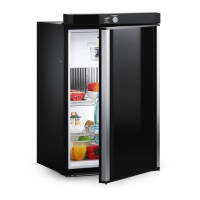
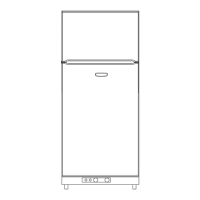
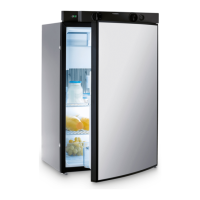
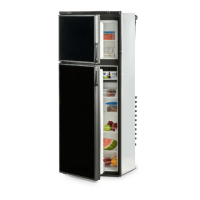
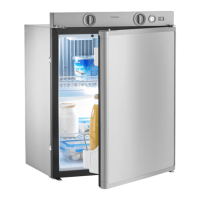
Using the refrigerator RM122, RM123
20
I
9.1 Switching on the refrigerator
Gas operation (RM122)
➤ Make sure that the gas supply is turned on.
➤ Turn the temperature regulator (fig. c 2, page 7) to position “3”.
➤ Push in the temperature regulator and keep it pressed until the burner has
ignited.
➤ Operate the piezo igniter (fig. c 1, page 7) several times at intervals of about
2seconds.
If gas does not light, isolate the gas and wait 5 – 10 minutes before attempting to
light again.
➤ Hold down the temperature regulator for an additional 15 seconds after the
burner has ignited and a flame is visible through the sight glass inside the device.
This will ensure the automatic flame failure device is in operation.
Gas operation (RM123)
➤ Ensure that the gas supply is turned on and the 230 Vw connection cable is dis-
connected from the mains socket.
➤ Set the rocker switch to “I” (fig. d 1, page 7) to turn on the electronic ignition.
✓ The rocker switch begins to flash.
➤ Turn the temperature regulator (fig. d 2, page 7) to position “3”.
➤ Press in the temperature regulator and hold it down.
✓ Once the burner is lit, the rocker switch stops flashing.
➤ Hold down the temperature regulator for an additional 15 seconds after the
burner has ignited.
NOTE
• Before using the appliance for the first time, clean it inside and out
with a damp cloth for hygienic reasons.
• The cooling performance can be affected by:
– The ambient temperature
– The amount of food to be conserved
– How often you open the door
– Poor installation
rm122_rm123-EN.book Seite 20 Dienstag, 7. Februar 2017 9:00 09


 To Next Page