EasyManua.ls Logo

Donner DDP-300 - Function Introduction; Operation Guide

Donner DDP-300
28 pages
Print Icon
To Next Page IconTo Next Page
To Previous Page IconTo Previous Page
Loading...
DEMO 1
DEMO 2
DEMO 4
DEMO 3
DEMO 5
DEMO
-1
+1
0.2Hz
-1
+1
-1
+1
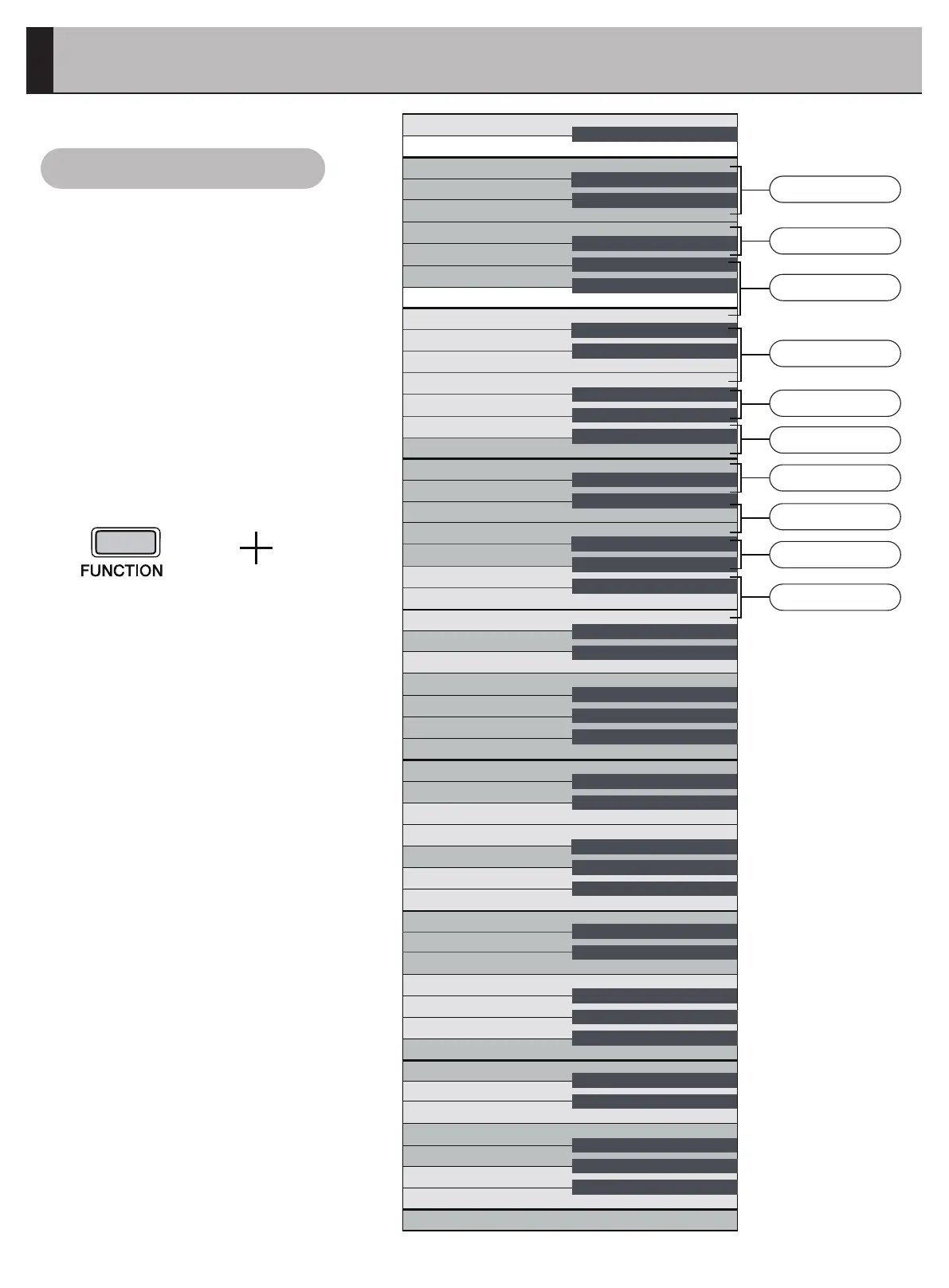
Atthesametimeasthe
[FUNCTION]buttonabove,
clickthecorrespondingkey
tosetthefunctionofthis
piano.
OperationGuide
Function Introduction
06
Pad
Brite Piano
Harpsichord
Church Organ
Guitar
Auto Power Off
Key Sound Setting
Double Keyboard
Timbre
Timbre Demo
Change the previous demo
Change the next demo
Play/Stop the timbre demo
Reverb Effect
OFF/ON
HALL 1
STAGE 1
HALL 2
STAGE 2
Recovery Standard
Recovery Standard
Recovery Standard
Reverb Depth
Tone
0.2Hz
Recovery Standard
Recovery Standard
Transposition
Transposition -
Transposition +
Metronome Type
Metronome Speed
Touch Curve
Soft
Hard
Medium
Fixed
A
2
B
2
C
1
D
1
E
1
F
1
G
1
A
1
B
1
C D E F G A B
c
d
e
f
g
a
b
1
c
1
d
1
e
1
f
1
g
1
a
1
b
2
c
2
d
2
e
2
f
2
g
2
a
2
b
3
c
3
d
3
e
3
f
3
g
3
a
3
b
4
c
4
d
4
e
4
f
4
g
4
a
4
b
5
c
#A
2
#C
1
#D
1
#F
1
#G
1
#A
1
#C #D #F #G #A #c #d #f
#g
#a
1
#c
1
#d
1
#f
1
#g
1
#a
2
#c
2
#d
2
#f
2
#g
2
#a
3
#c
3
#d
3
#f
3
#g
3
#a
4
#c
4
#d
4
#f
4
#g
4
#a

Related product manuals