EasyManua.ls Logo

DoorBird D2103V - Page 5

DoorBird D2103V
62 pages
Print Icon
To Next Page IconTo Next Page
To Previous Page IconTo Previous Page
Loading...
ENGLISH
5
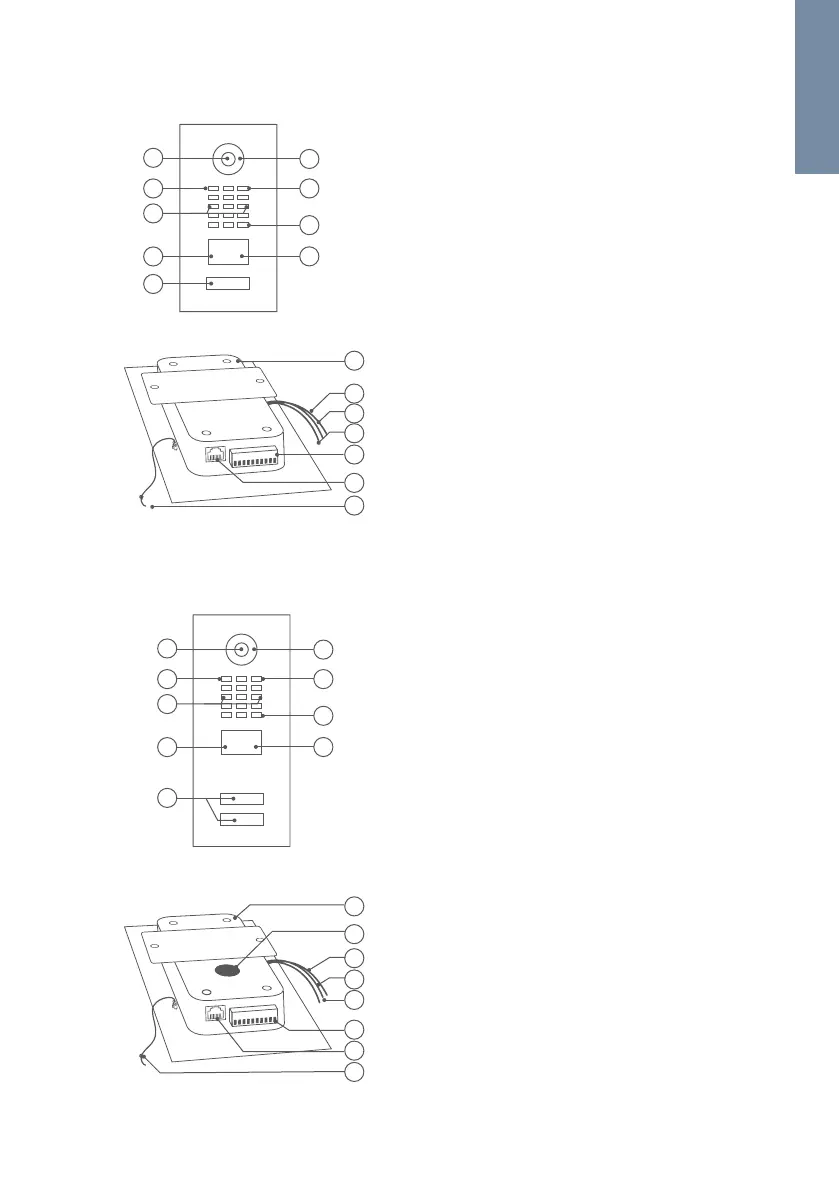
1) Main Electrical Unit
2) Yellow cable for
call button
Connected to
the illuminated call
button with
nameplate
3) Red cable for Module
Port 1(unused)
INSIDE
5
6
7
1
2
3
4
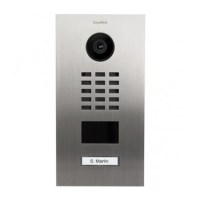
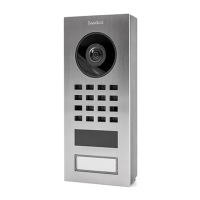
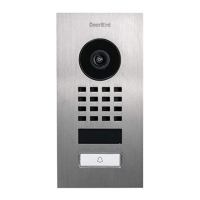
DEVICE EXAMPLE WITH  CALL BUTTON
1) HDTV Video
2) Light Sensor
For night vision mode
3) Security screws
4) Motion Sensor
5) Illuminated
call button with
nameplate
The illumination is
also acting as
Diagnostic LED(s).
Front
1
2
3
4
5
6
7
8
9
6) Night Vision LEDs
7) Microphone
8) Loudspeaker
9) RFID Reader
4) Green cable for
Module Port 2
(unused)
5) Screw connection
terminal
6) LAN/PoE jack
7) Nylon cord
To secure the front
panel during assembly
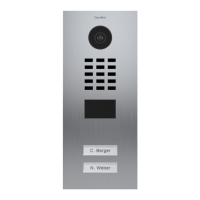
DEVICE EXAMPLE WITH  AND MORE CALL BUTTONS
Front
1) HDTV Video
2) Light Sensor
For night vision mode
3) Security screws
4) Motion Sensor
5) Illuminated call
buttons
with nameplate
The illumination is
also acting as
Diagnostic LED(s).
6) Night Vision LEDs
5
1) Main Electrical Unit
2) Velcro tape 1
To fix the Multi
Tenant Module
temporary on the
Main Electrical
Unit during assembly
3) Yellow cable for
call button (unused)
4) Red cable for
Module Port 1
Connected to Multi
Tenant Module
Inside
5
6
7
8
1
2
3
4
7) Microphone
8) Loudspeaker
9) RFID Reader
5) Green cable for
Module Port 2
(unused)
6) Screw connection
terminal
7) LAN/PoE jack
8) Nylon cord
To secure the front
panel during assembly
1
2
3
4
6
7
8
9

Related product manuals