Maintenance Section
160
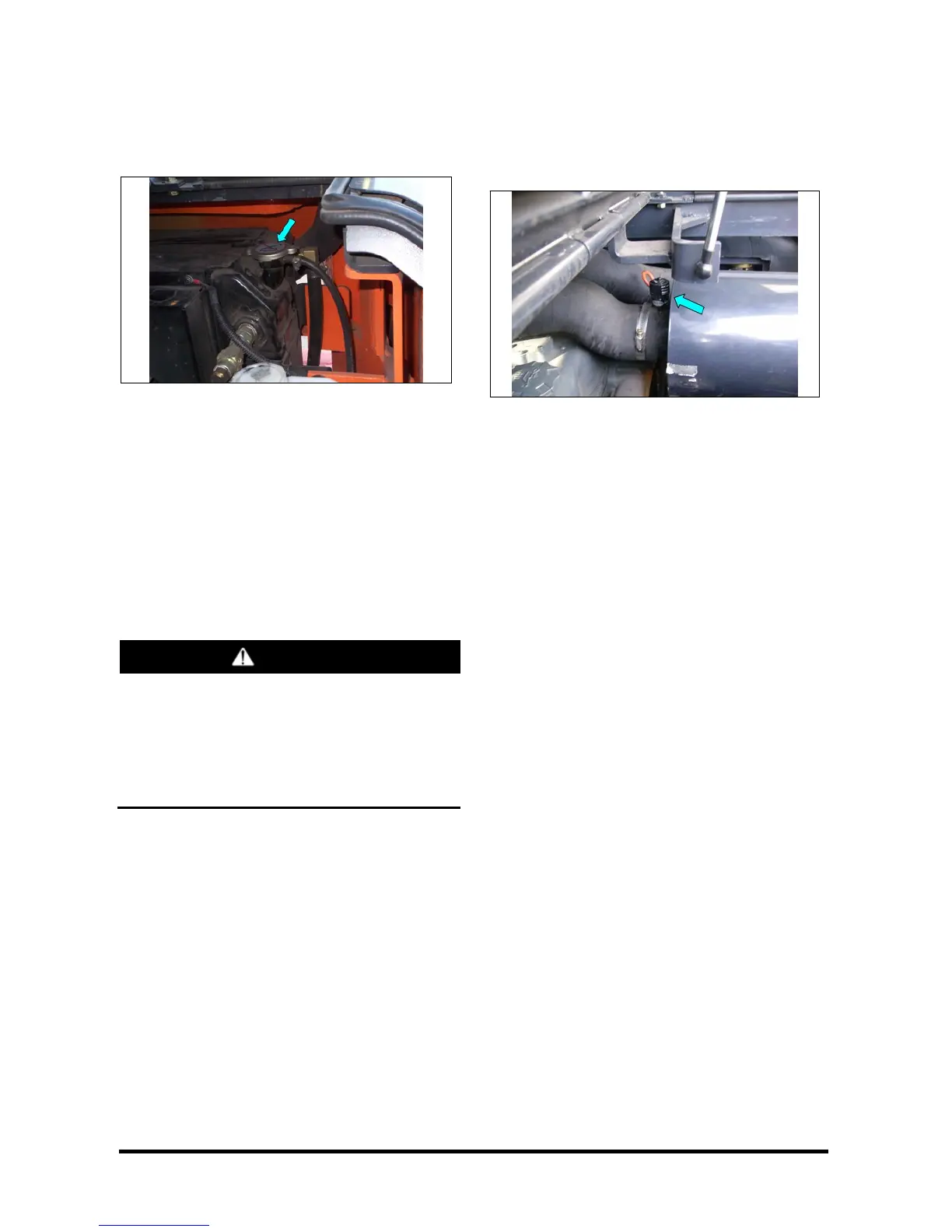
2. Remove the radiator cap. Fill radiator to the top
of the filter neck. Inspect radiator cap. Replace if
damaged. Install the radiator cap.
Typical Example
3. Start and run the engine to stabilize the coolant
level in the filter neck. If low, add coolant until it
reaches the top of the filter neck. Install the
radiator cap. Observe coolant level in the
expansion bottle. If necessary, add coolant to
bring the coolant to the appropriate line on the
expansion bottle.
4. Stop the engine.
5. Inspect the cooling system for leaks, hose
cracks or loose connections.
WARNING
Pressure air can cause personal injury.
When using pressure air for cleaning, wear a
protective face shield, protective clothing and
protective shoes.
Maximum air pressure must be less than 205
kPa (30 psi) for cleaning purposes.
6. Blow any dust and lint from the radiator fins.
Air Cleaner Indicator – Check
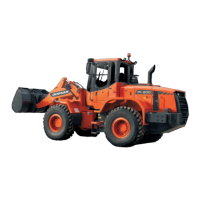
Service Indicator
Typical Example Diesel Engine Truck
1. Observe the air cleaner service indicator.
2. Service the air cleaner when the RED band in
the service indicator, locks in the visible position.
See topic, "Air Intake System - Check, Clean" in
"Every 250 Service Hours or Monthly".
NOTE: Service the element more frequently, as
required, in severe dust or lint conditions.
Also, service it more frequently where the
operator is required to wear a respirator.
3. Close hood and seat assembly.



 To Next Page